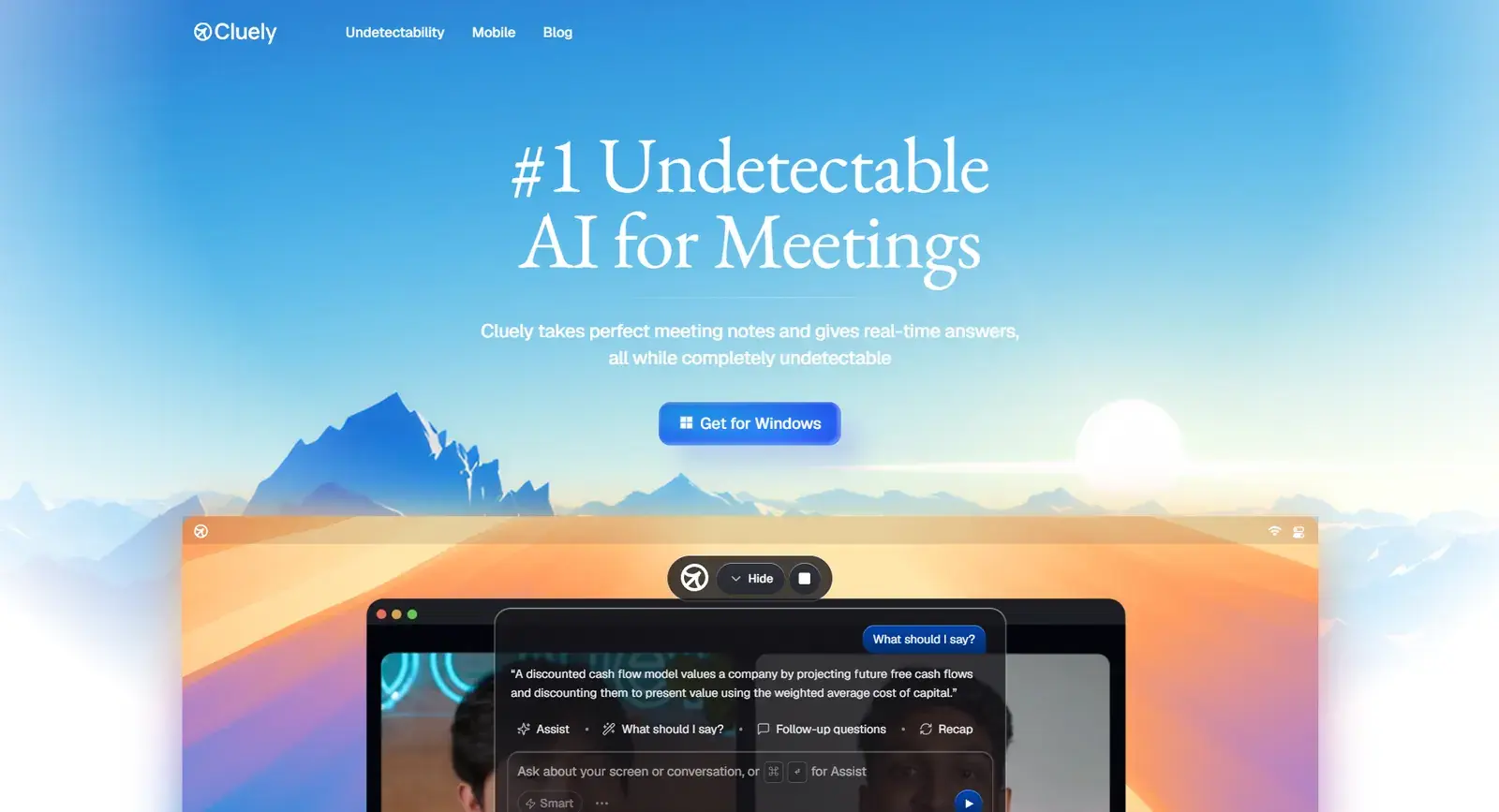
If you use Cluely for one job, a tool built for that job will usually do it better. Here are alternatives for the four things people use Cluely for most.
| If you use Cluely for | Try instead | Why |
|---|---|---|
| Job interviews and coding tests | Solvro | Built for interviews: resume-aware answers, coding modes, auto-typing |
| Meeting notes | Fathom | Free unlimited recording, transcripts and summaries |
| Sales team workflows | Claap | Notes, follow-ups and CRM updates in 99 languages |
| Live sales coaching | SalesEcho | Real-time objection handling on calls |
| Screen recording with AI | ScreenApp | Record, transcribe and summarise from the browser |
Solvro: the Cluely alternative for interviews
Solvro is a desktop assistant built only for interviews and assessments, which is why its answers go further than a general meeting copilot's. Four modes cover the formats you will meet: Interview for live conversation, Coding Test for programming problems, MCQ for multiple-choice tests and Query for anything else on screen.
Live interviews. Interview mode transcribes the conversation and returns a structured answer within seconds of each question, with no button to press. Add your resume, the job description and custom instructions in Settings, and answers draw on your own projects and numbers instead of a template.
Coding rounds. Capture the problem with CtrlShiftS (up to 20 captures for long problems), send with CtrlEnter, and get the approach, the complexity and working code in over 10 languages. Auto-typing then types it with human timing rather than pasting.
Out of the share. Solvro sets the operating system's content-protection flag, which excludes its window from screen capture and recording. Cluely's own help centre says only its shortcuts, not clicks, are safe to use during an interview; Solvro is driven by reassignable shortcuts from the start.
| Solvro | Cluely | |
|---|---|---|
| Built for | Interviews and assessments | Meetings, sales and interviews |
| Personal context | Resume, job description, custom instructions | General |
| Coding and MCQ modes | Yes | General screen help |
| Auto-typing | Yes, human cadence | No |
| Models | Gemini 3.7 Flash, Gemini 3.1 Pro, Claude Sonnet 5, Claude Opus 5 and Claude Fable 5 | 9 models |
| Free trial | 10 answers and 10 Interview minutes | Stealth mode needs a paid plan |
| Starting price | $29 a month; Interview mode $49 | $19.99 a month; $149.99 with stealth |
Fathom: for free meeting notes
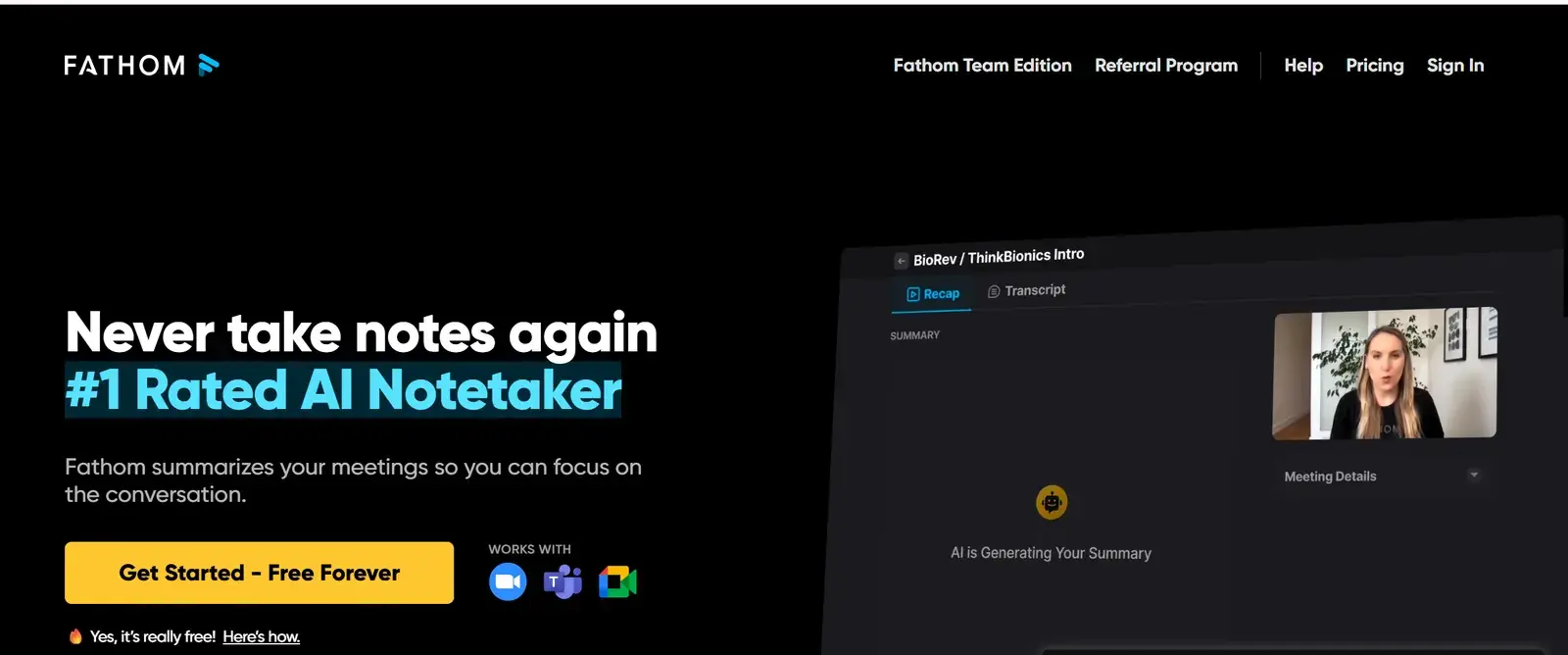
Fathom records and transcribes Zoom, Google Meet and Teams calls and produces a summary with action items within seconds of the call ending. It translates into more than 28 languages and connects to Salesforce and Notion. There is no hidden overlay: everyone on the call knows it is recording, which makes it a straightforward choice for internal meetings. The free plan is unlimited for the basics.
- Best for: anyone who wants notes without paying.
- Watch out for: some attendees hesitate when a call is recorded, though you can pause it.
Claap: for sales teams
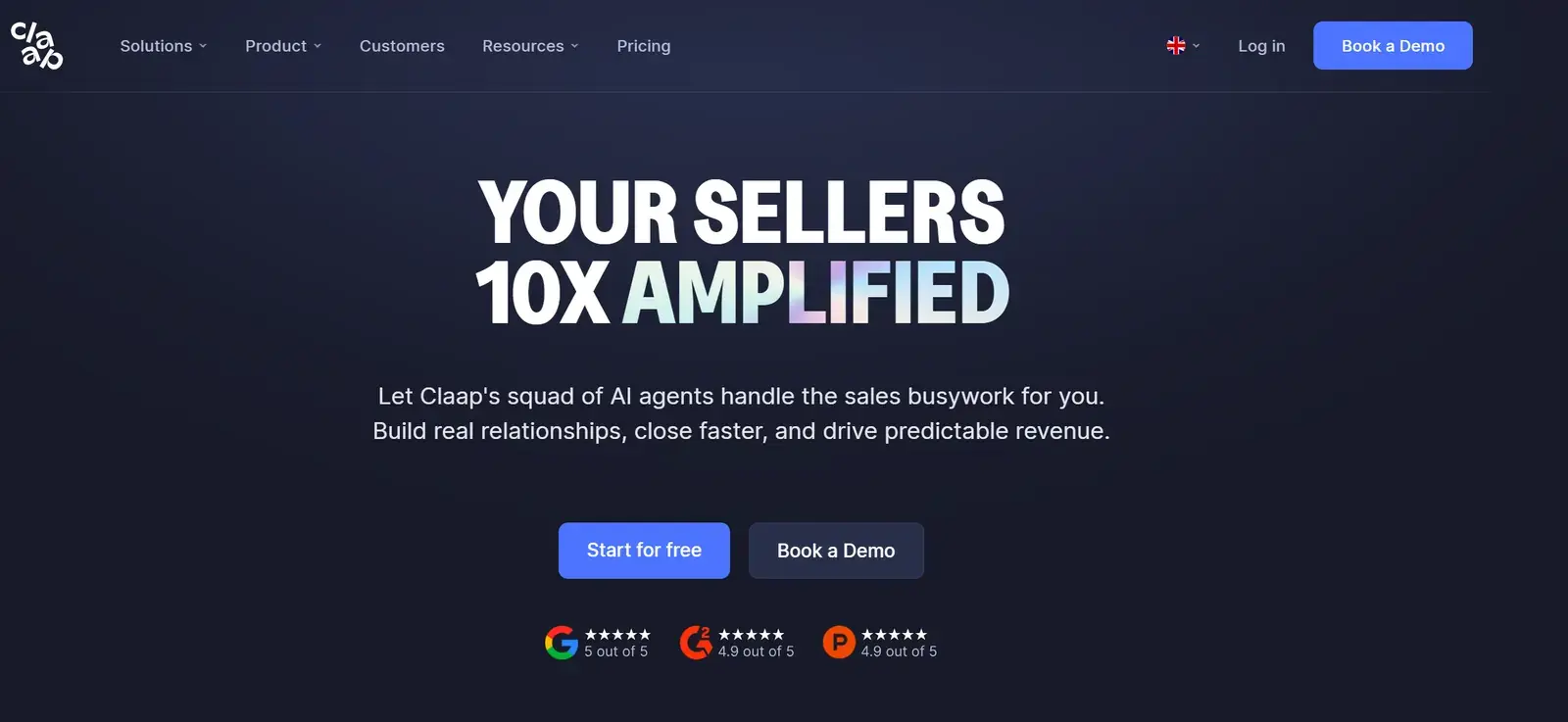
Claap records and transcribes in 99 languages, then writes notes, follow-up emails and CRM updates, with HubSpot sync. Objection reports and deal insights show patterns across calls, and a video library helps onboard new sellers. There is a free tier and a 14-day trial.
- Best for: B2B sales teams.
- Watch out for: more than a solo user needs, and setup takes a little time.
SalesEcho: for live sales coaching
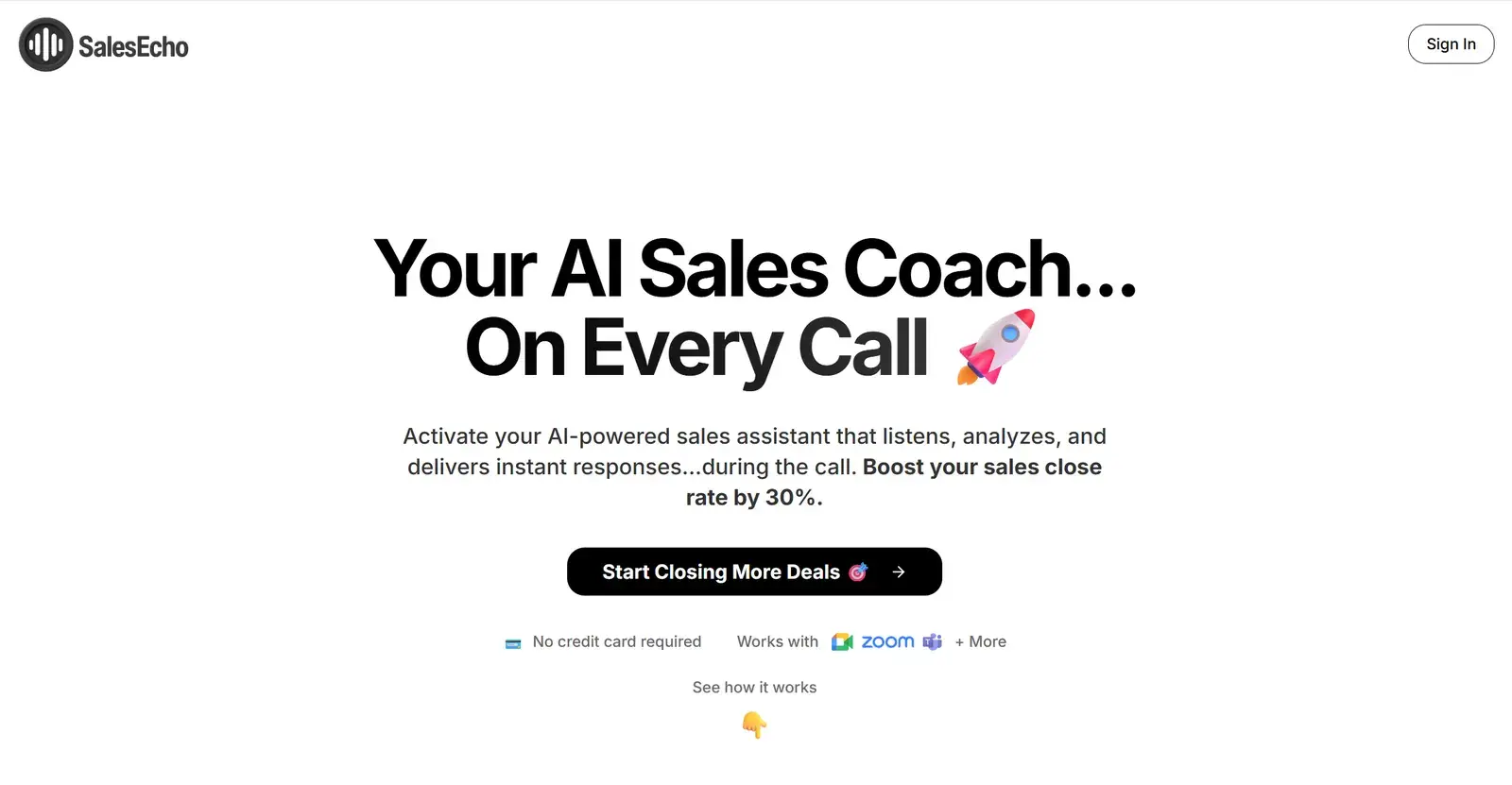
SalesEcho listens to sales calls in real time and suggests responses and objection handling as the conversation unfolds, adapting to your style. Its site claims it can lift close rates by 30%.
- Best for: founders and freelancers running their own demos.
- Watch out for: occasional lag in complex discussions; built for sales, not general meetings.
ScreenApp: for recording with AI insights
ScreenApp records meetings, lectures and calls from the browser, then transcribes, summarises and takes notes. URL-based capture is handy for webinars, and there is a free tier.
- Best for: visual, recording-heavy work.
- Watch out for: overlaps with dedicated notetakers, and accuracy drops with poor audio.
Which Cluely alternative should you choose?
For interviews, our pick is Solvro. Choose a tool that knows it is in an interview: Solvro answers from your resume, handles coding and multiple-choice screens, and is controlled entirely from the keyboard. For notes, Fathom is free; for sales, Claap or SalesEcho.
Check the rules first
Most employers and assessment platforms prohibit outside help in their terms. Solvro keeps its window out of screen captures, but no tool can promise it will never be noticed, and breaking those rules can cost you an offer. Decide for yourself whether that risk is worth taking.
Competitor plans, prices and features are summarised from public product pages and reviews and change often; check each vendor’s own site before you buy. Product names are trademarks of their owners. Solvro is not affiliated with or endorsed by them.
Frequently asked questions
It does, but it is a general assistant, so answers can be short and generic. Its help centre also says clicks during an interview are not covered by its undetectable mode and lists proctoring tools it does not hide from.
Solvro, because it has dedicated Coding Test and MCQ modes, multi-screenshot questions, answers in over 10 programming languages and human-cadence auto-typing.
Fathom is free for meeting notes. For interviews, Solvro has a free trial of 10 answers and 10 Interview-mode minutes with no card.
Cluely Pro is $19.99 a month, but hiding from screen shares needs Pro + Undetectability at $149.99 a month. Solvro Pro is $29 a month, Pro+ with Interview mode is $49, and the Sprint Pass is $24 for 7 days.