What PM interviews test
| Round | Typical question | What a good answer needs |
|---|---|---|
| Product sense | "Design a product for remote teams." | Users, pain points, prioritised solutions, a clear recommendation |
| Execution and metrics | "Engagement dropped 10% last week. What do you do?" | A structured diagnosis, the right metrics, a decision |
| Strategy | "Should we enter this market?" | Market, competition, moats, risks, a call |
| Technical | "How does a recommendation system work?" | Enough depth to earn engineers' trust, plus trade-offs |
| Estimation | "How many rideshare trips happen in your city daily?" | Clear assumptions and arithmetic said aloud |
| Behavioural | "Tell me about a launch that failed." | A specific STAR story from your own career |
How Solvro fits each round
Solvro's Interview mode transcribes the conversation and answers each question as it is asked. What makes it work for PMs is the setup:
- Your resume and extra context supply the launches, metrics and stakeholder stories, so behavioural answers are your own.
- The job description tells it which product area, users and metrics matter for this role.
- Custom instructions shape every answer. For PM loops, something like: "Lead with a one-line recommendation. Then structure: users, problem, options, prioritisation, metrics. Keep each point under 15 words."
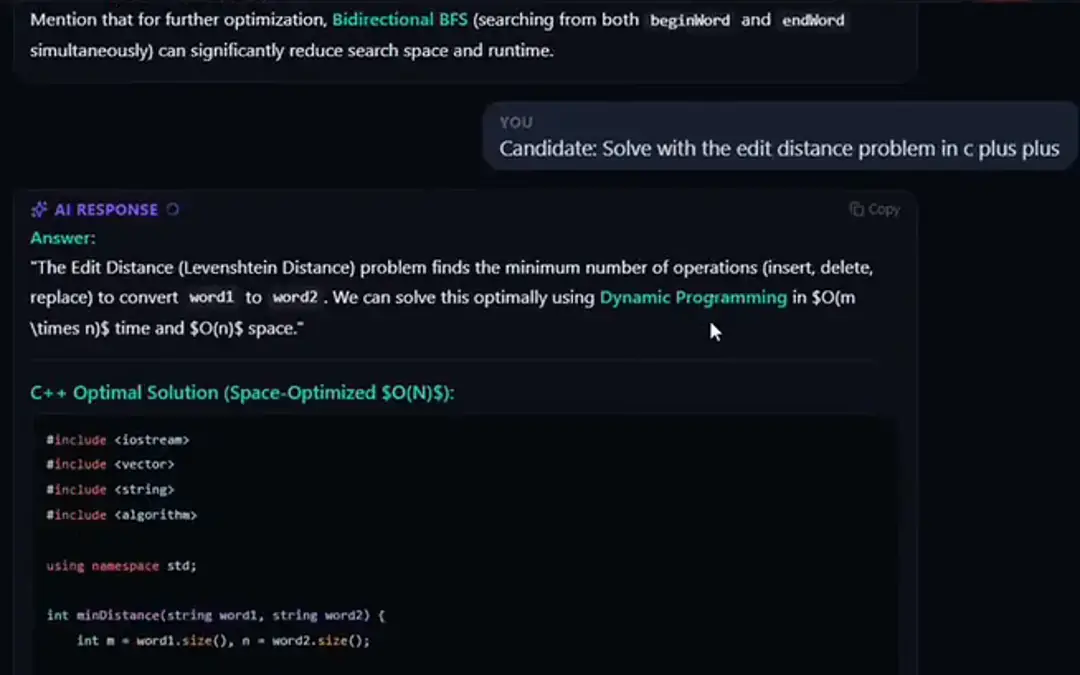
For technical rounds, switch to Claude Opus 5 or Fable 5 with CtrlShiftM for deeper explanations of systems and trade-offs. If you are shown a wireframe, a dashboard or an architecture diagram, capture it with CtrlShiftS and ask about it in Query mode.
For estimation questions, ask for the assumptions as a short list, then do the arithmetic aloud yourself; interviewers care more about the reasoning than the number.
Comparing assistants for PM interviews
| Assistant | Strength for PMs | Watch out for |
|---|---|---|
| Solvro | Answers from your resume and instructions; deep models for technical rounds; a coding mode if the loop includes SQL or a technical screen | English interviews only; no mock-interview mode |
| Final Round AI | Realistic mock interviews with PM-specific questions | Expensive monthly; strict no-refund policy |
| LockedIn AI | Good document upload for resume and case studies | Pricey for what it offers |
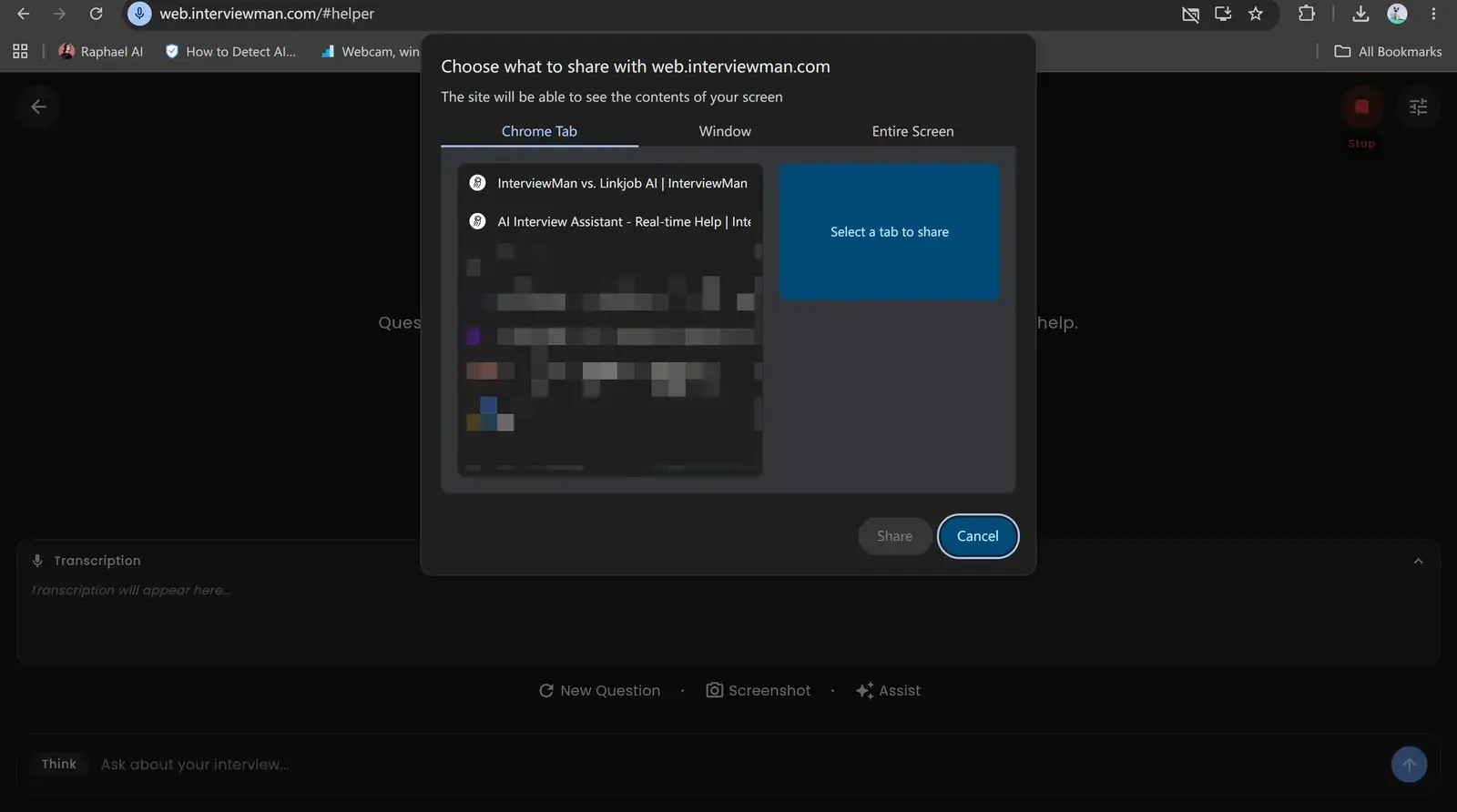
| InterviewMan | Cheap and uncapped | Light on product depth; its tab-sharing mode shows in a full screen share |
| Parakeet AI | Simple desktop app | Credits run out fast across long loops |
| InterviewBee | Voice mock interviews for practising tone | 2 to 5 live interviews a month on lower tiers |
What the tools cost
| Assistant | Monthly | Longer billing (per month) |
|---|---|---|
| Solvro Pro+ | $49 | $39 quarterly; Eternal Pass $29 yearly |
| Final Round AI | $148 | $96 quarterly, $81 semi-annually |
| LockedIn AI (Professional) | $119.99 | $79.99 quarterly |
| InterviewMan | $30 | $12 yearly |
| Parakeet AI | $149.90 | $449.90 a year; credits from $59 |
| InterviewBee | $39 to $129 | Capped live interviews |
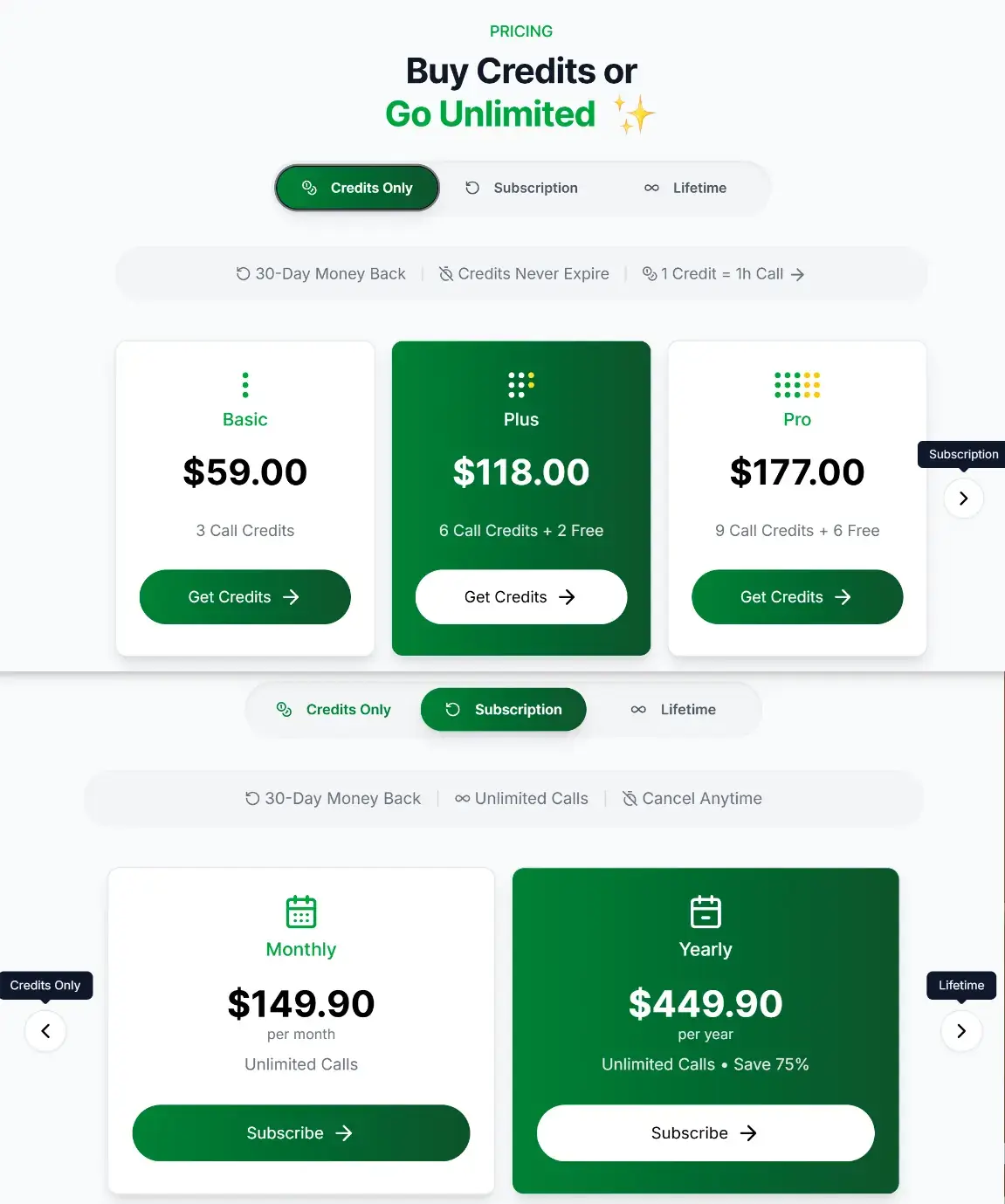
Credit-based tools look cheap until a loop has five rounds. Flat plans are easier to budget, and Solvro's $24 Sprint Pass covers an entire onsite week.
| Plan | Price | Billing | What you get |
|---|---|---|---|
| Pro | $29/mo | Billed monthly ($29). | Gemini models, every mode except Interview |
| Pro (quarterly) | $19/mo | $57 billed every 3 months. | Same as Pro monthly |
| Pro+ | $49/mo | Billed monthly. | All five models, all four modes including Interview |
| Pro+ (quarterly) | $39/mo | $117 billed every 3 months. | Same as Pro+ monthly |
| Eternal Pass | $29/mo | $348 billed yearly. | All Pro+ features for a full year |
| Sprint Pass | $24 once | 7-day access. | All Pro+ features for 7 days, no subscription |
| Free trial | $0 | No card required | 10 AI answers and 10 minutes of Interview mode |
Prices in USD; customers in India are charged the rupee equivalent. Full details on the pricing section.
A PM prep routine with Solvro
- Context: add your resume, the job description and three or four stories (a launch, a failure, a conflict, a hard prioritisation call) as extra context.
- Predict: paste the job description into Query mode and ask for likely product sense, metrics and strategy questions for this company.
- Frame: write custom instructions for the structure you like to use.
- Rehearse: run a practice call with a friend; answer out loud, using Solvro's points as notes rather than a script.
- On the day: start Interview mode before you join, with the window faded near your camera.
Check the rules first
Most employers and assessment platforms prohibit outside help in their terms. Solvro keeps its window out of screen captures, but no tool can promise it will never be noticed, and breaking those rules can cost you an offer. Decide for yourself whether that risk is worth taking.
Frequently asked questions
Yes. Solvro's Interview mode structures an answer around users, problems, options and metrics, and your custom instructions control the framework it uses.
Add your resume, the job description and a few specific stories as extra context in Settings. Interview answers draw on them instead of generic examples.
Yes. Switch to Claude Opus 5 or Fable 5 for deeper technical explanations, and capture diagrams or dashboards to ask about them in Query mode.
Looking down at a phone breaks eye contact, and you would have to type the question. Solvro hears the question itself and shows the answer in a window you can place near your camera.