The rounds in a data science loop
| Round | Typical question | What helps |
|---|---|---|
| SQL and Python | "Find each user's second purchase." | Correct code, explained clearly |
| Statistics and probability | "What is a p-value, and when would you not trust one?" | Precise, plain-language definitions |
| Experimentation | "Design an A/B test for a new checkout flow." | Hypothesis, metric, MDE, power, pitfalls |
| Machine learning | "How would you build a churn model?" | Framing, features, model choice, evaluation |
| Product case | "Engagement is down 8%. Why?" | A structured diagnosis and the right metrics |
| Behavioural | "Tell me about a time your analysis changed a decision." | A specific story from your own work |
Kinds of tools, and what each misses
- Practice coaches (for example, Hedy AI) are good for rehearsing explanations aloud before the interview, but they cannot help when you are stuck on a live SQL question.
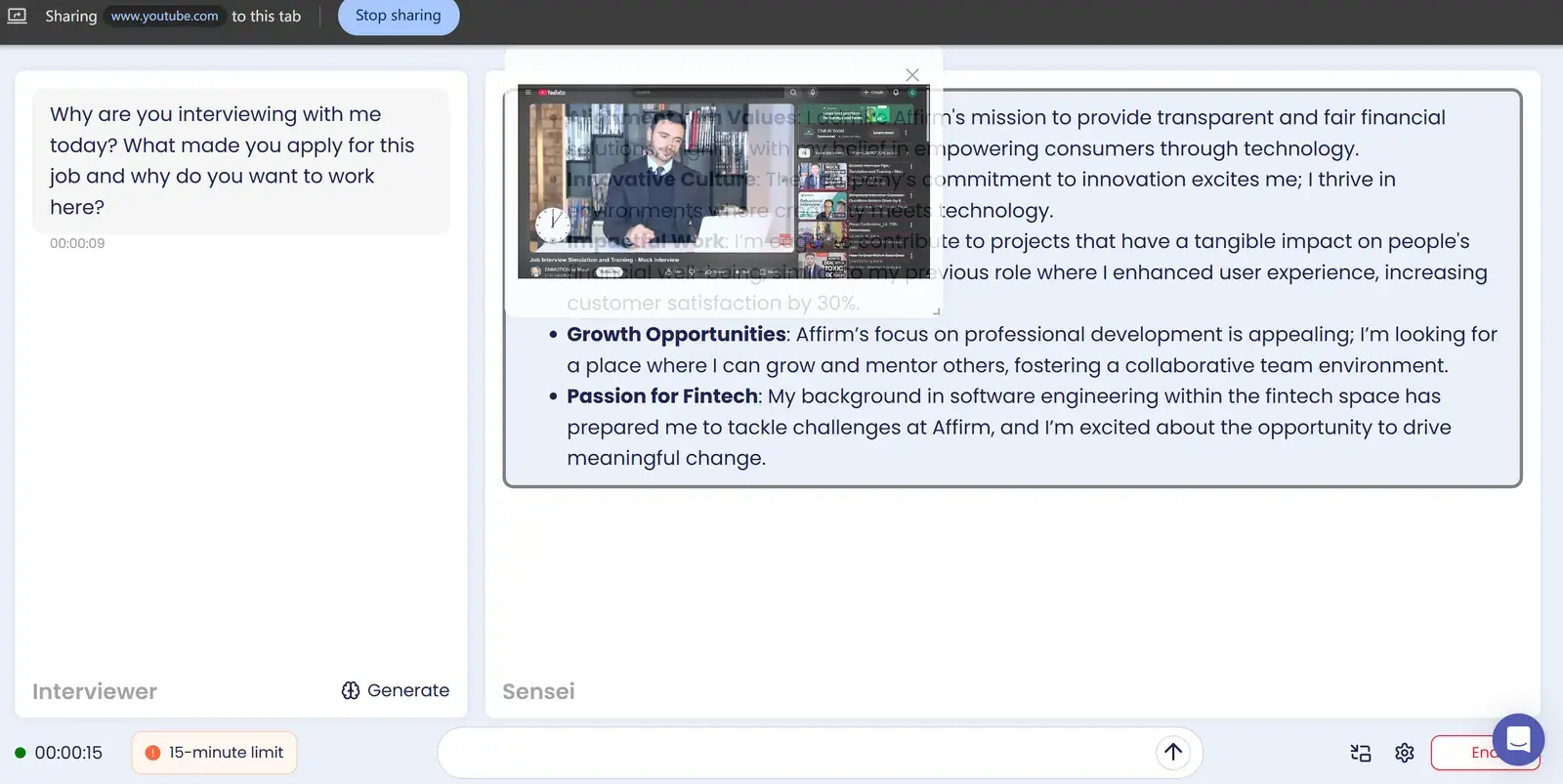
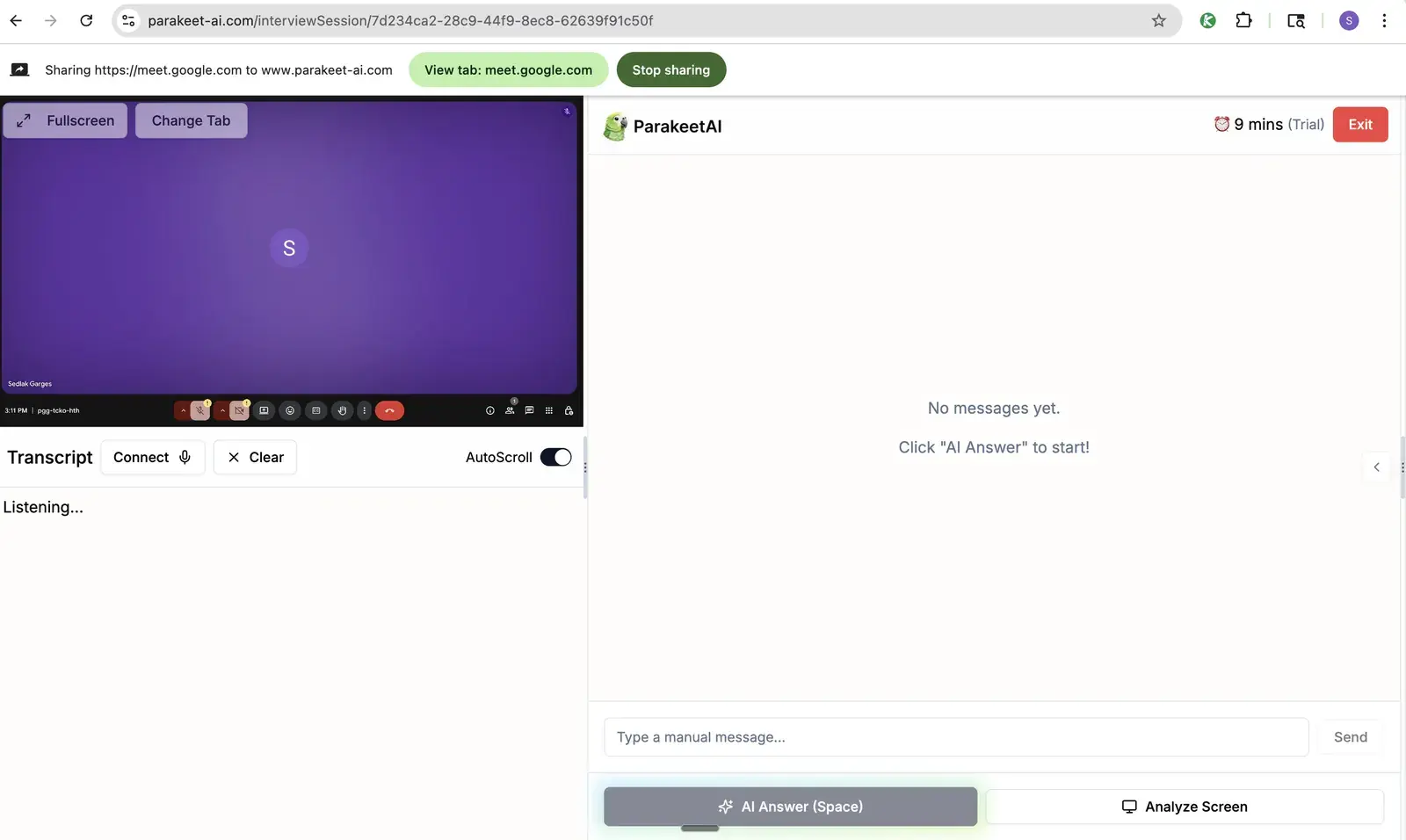
- Browser-based copilots (for example, Sensei AI and Interview Sidekick) handle conversational and behavioural questions well, but as browser tabs they appear if you share your whole screen to walk through a notebook or slides.
- Domain tools focused on product analytics give good A/B testing and metrics frameworks, but they are lighter on ML engineering.
- Desktop copilots such as Solvro run outside the browser and cover both the code and the conversation.
How Solvro covers each round
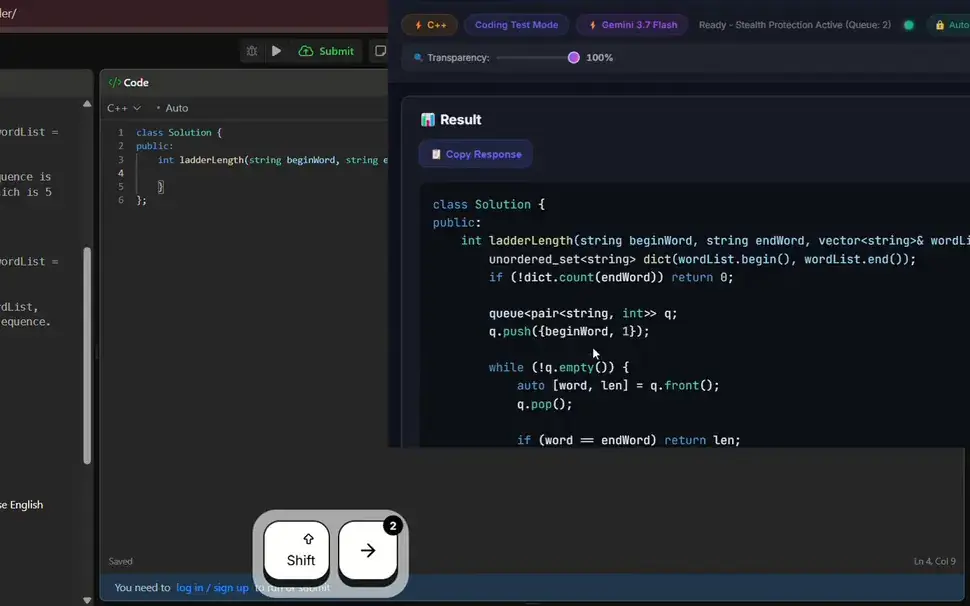
SQL and Python. Coding Test mode reads the question from a capture (CtrlShiftS, up to 20 screens for schemas and examples) and returns the query or code with an explanation. Set SQL or Python as your default language, or switch with CtrlShiftL.
Statistics, experimentation and ML. Interview mode hears the question and answers it as you talk. Custom instructions keep answers interview-ready, for example: "Define the concept in one sentence, give the intuition, then one pitfall. For experiments, always cover hypothesis, primary metric, guardrails, MDE and sample size." Switch to Claude Opus 5 or Fable 5 with CtrlShiftM for deeper maths.
Product cases. Interview mode structures a diagnosis: check the data first, segment, form hypotheses, choose metrics, recommend.
Notebooks and charts. If you are shown a plot or a results table, capture it and ask in Query mode what stands out and what to ask next.
Behavioural. Add your resume and a few project stories as extra context, and Interview mode builds STAR answers from your own work.
Preparing with Solvro
- Context: resume, job description and three project stories with real numbers.
- Predict: paste the job description into Query mode and ask for likely SQL, statistics and case questions for this team.
- Drill: run SQL and Python problems through Coding Test mode to learn the flow, then solve them yourself.
- Rehearse: run a mock with a friend, sharing your screen as you would to walk through a notebook, and check what they see.
- On the day: start Interview mode before joining.
| Plan | Price | Billing | What you get |
|---|---|---|---|
| Pro | $29/mo | Billed monthly ($29). | Gemini models, every mode except Interview |
| Pro (quarterly) | $19/mo | $57 billed every 3 months. | Same as Pro monthly |
| Pro+ | $49/mo | Billed monthly. | All five models, all four modes including Interview |
| Pro+ (quarterly) | $39/mo | $117 billed every 3 months. | Same as Pro+ monthly |
| Eternal Pass | $29/mo | $348 billed yearly. | All Pro+ features for a full year |
| Sprint Pass | $24 once | 7-day access. | All Pro+ features for 7 days, no subscription |
| Free trial | $0 | No card required | 10 AI answers and 10 minutes of Interview mode |
Prices in USD; customers in India are charged the rupee equivalent. Full details on the pricing section.
Check the rules first
Most employers and assessment platforms prohibit outside help in their terms. Solvro keeps its window out of screen captures, but no tool can promise it will never be noticed, and breaking those rules can cost you an offer. Decide for yourself whether that risk is worth taking.
Frequently asked questions
Yes. Coding Test mode answers SQL questions from a screenshot, along with Python and over 10 other languages. Set SQL as your default or switch with Ctrl Shift L.
Yes. Interview mode answers spoken statistics, experimentation and ML questions, and custom instructions make sure answers cover hypothesis, metrics, sample size and pitfalls.
Solvro is a desktop app that sets the OS content-protection flag, which excludes its window from screen capture. Browser-based copilots appear in a full screen share.
Claude Opus 5 and Fable 5 are strongest on maths and ML reasoning; the Gemini models are fastest for quick definitions.