We compared each tool on the things that matter in a technical round:
- Coding: working solutions in your language, with complexity.
- Follow-ups: answers to the interviewer's spoken questions about your approach.
- Speed: how long you wait, for a short question and for a hard problem.
- Personalisation: your resume and the role shaping the answers.
- Stability: a tool that freezes mid-interview is worse than none.
- Price and privacy.
1. Solvro
Solvro is a desktop app for Windows and macOS with four modes you switch between with CtrlShiftSpace: Coding Test for programming problems, MCQ for multiple-choice screens, Interview for the conversation and Query for anything else.
In the coding part of a round, CtrlShiftS captures the problem (once per page, up to 20 captures) and CtrlEnter sends it. The answer explains the approach and its complexity before the code, so you can talk it through. When the interviewer asks "why a heap and not a sorted array?", Interview mode hears the question and answers it, using your resume and the job description for the questions about your own experience.
| Feature | What it means in a tech round |
|---|---|
| Up to 20 screenshots per question | Long problems with examples and constraints on separate screens |
| 10+ programming languages | Answers in the language you are coding in; switch with CtrlShiftL |
| Five models | Gemini 3.7 Flash, Gemini 3.1 Pro, Claude Sonnet 5, Claude Opus 5 and Claude Fable 5; fast models for easy questions, deeper ones for hard problems |
| Auto-typing | Types the solution with human timing instead of pasting; resumes where it stopped |
| Reassignable global hotkeys | Nothing to click while you are being watched |
| Content protection | The OS excludes the window from screen capture and recording |
- Price: Pro (coding and MCQ) $29 a month or $19 quarterly; Pro+ adds Interview mode and the Claude models from $49; Sprint Pass $24 for 7 days.
2. Interview Solver
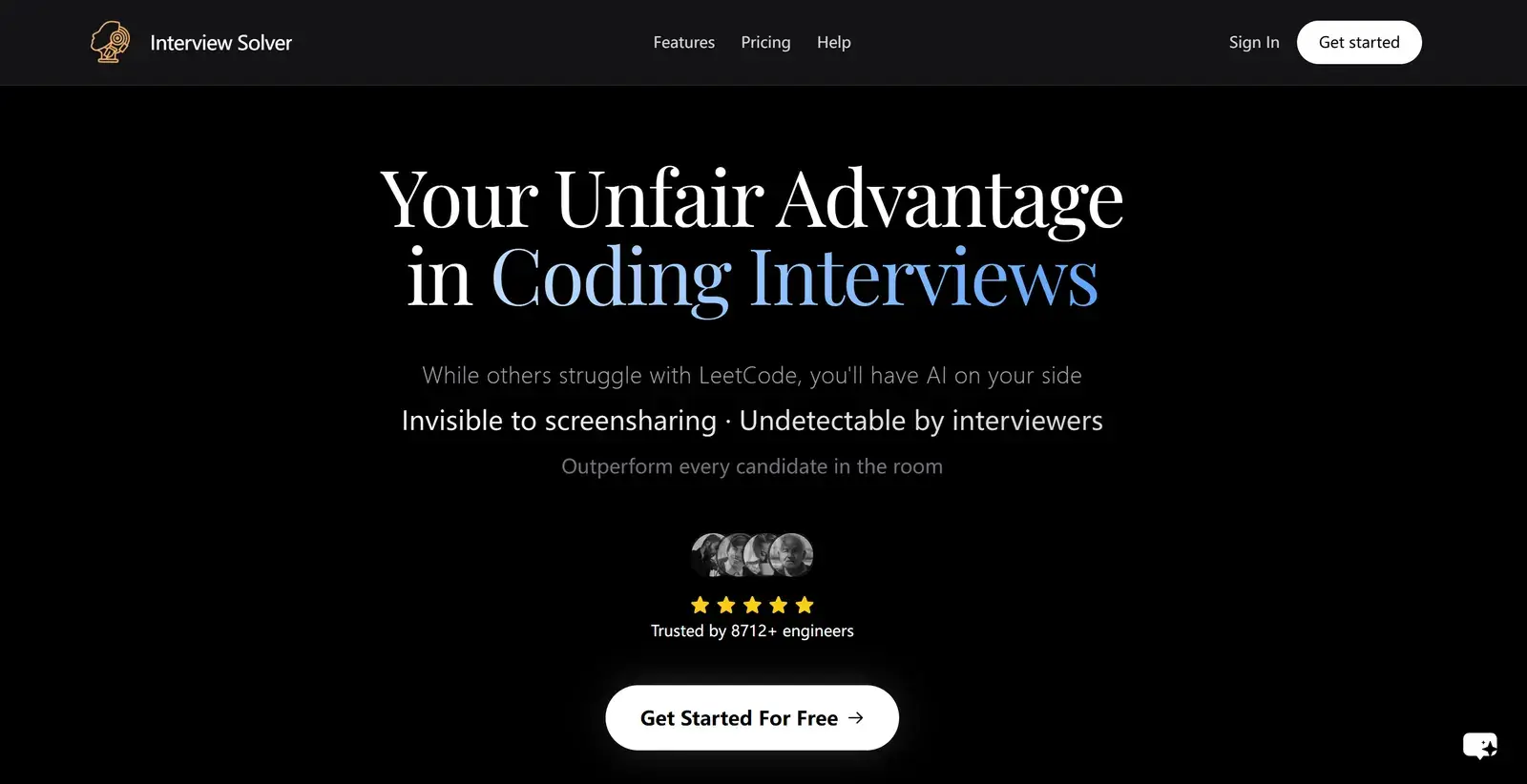
Interview Solver specialises in real-time coding interviews and LeetCode problems. It transcribes both your voice and the interviewer's, lets you upload documents to reference during the interview, and has a companion mode that shows answers on a second device.
- Pros: fast, professional answers; responsive global hotkeys; stays out of screenshots and meetings.
- Cons: answers need a click or shortcut rather than generating automatically; transparency cannot be adjusted; reviewers report occasional freezes and trouble finding the window after minimising, and a failure to run on one Mac.
- Price: $59 a month, or $149 every 3 months; there is a free tier. See our Interview Solver comparison.
3. LeetCode Wizard
LeetCode Wizard uses custom models trained on LeetCode interview questions and is controlled entirely with hotkeys. It solves problems quickly, explains them clearly, and has a web view for reading the output on a second device.
- Pros: fast and accurate on LeetCode-style problems; never leaves the keyboard.
- Cons: the second-device setup is awkward on a phone and easy to notice with a tablet, and some platforms, such as Coderbyte, detect it.
- Price: €49 (about $58) a month.
4. CTRLpotato
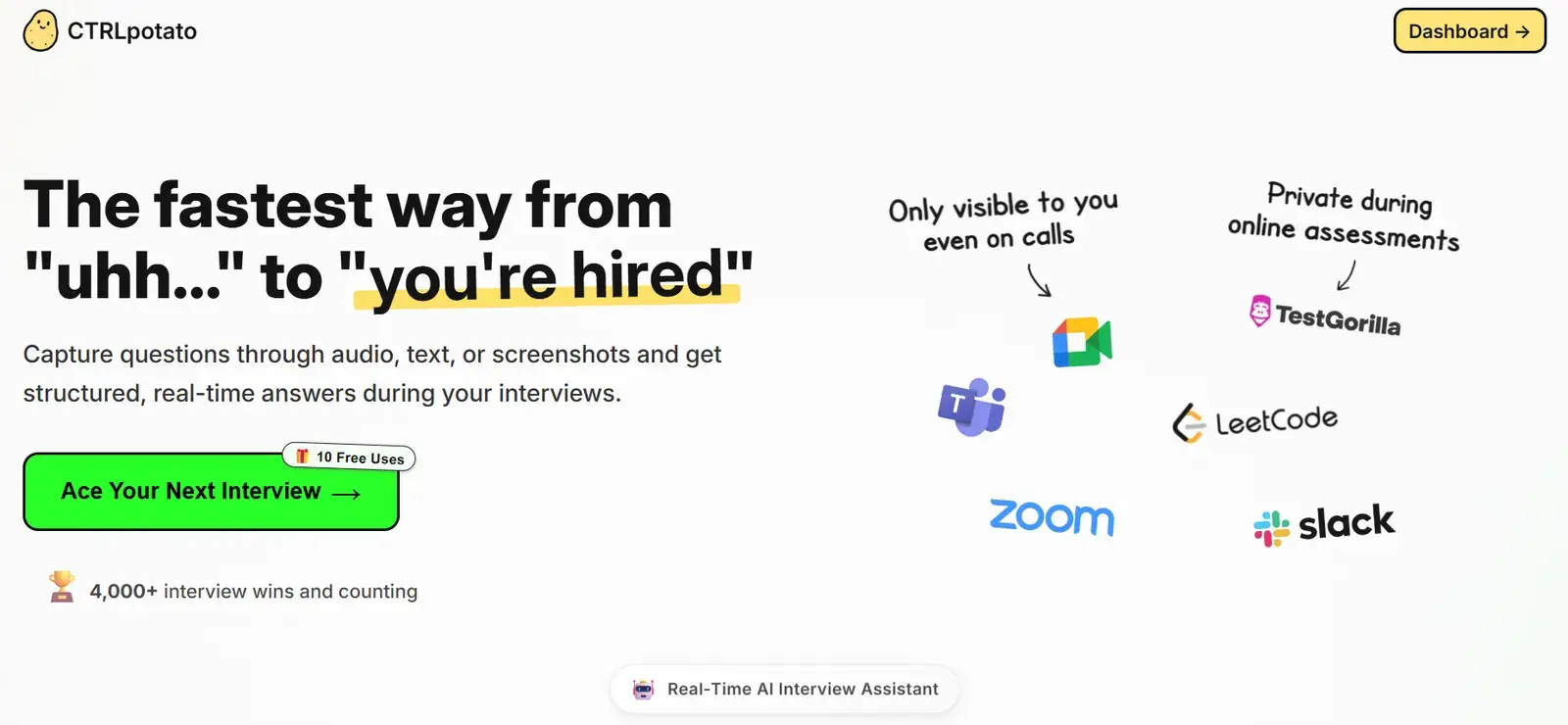
CTRLpotato is a desktop app built around a context buffer: you add audio, screenshots and text snippets, then send them together for one complete answer. It recognises questions automatically, covers behavioural and coding formats in 10+ languages, and can mirror answers to your phone.
- Pros: one-click capture of audio, text and screenshots; strong on hard LeetCode problems; choose your programming language.
- Cons: answers can feel templated and miss your background; the phone mirror has the same second-device problem as LeetCode Wizard. See our CTRLpotato comparison.
5. Beyz AI
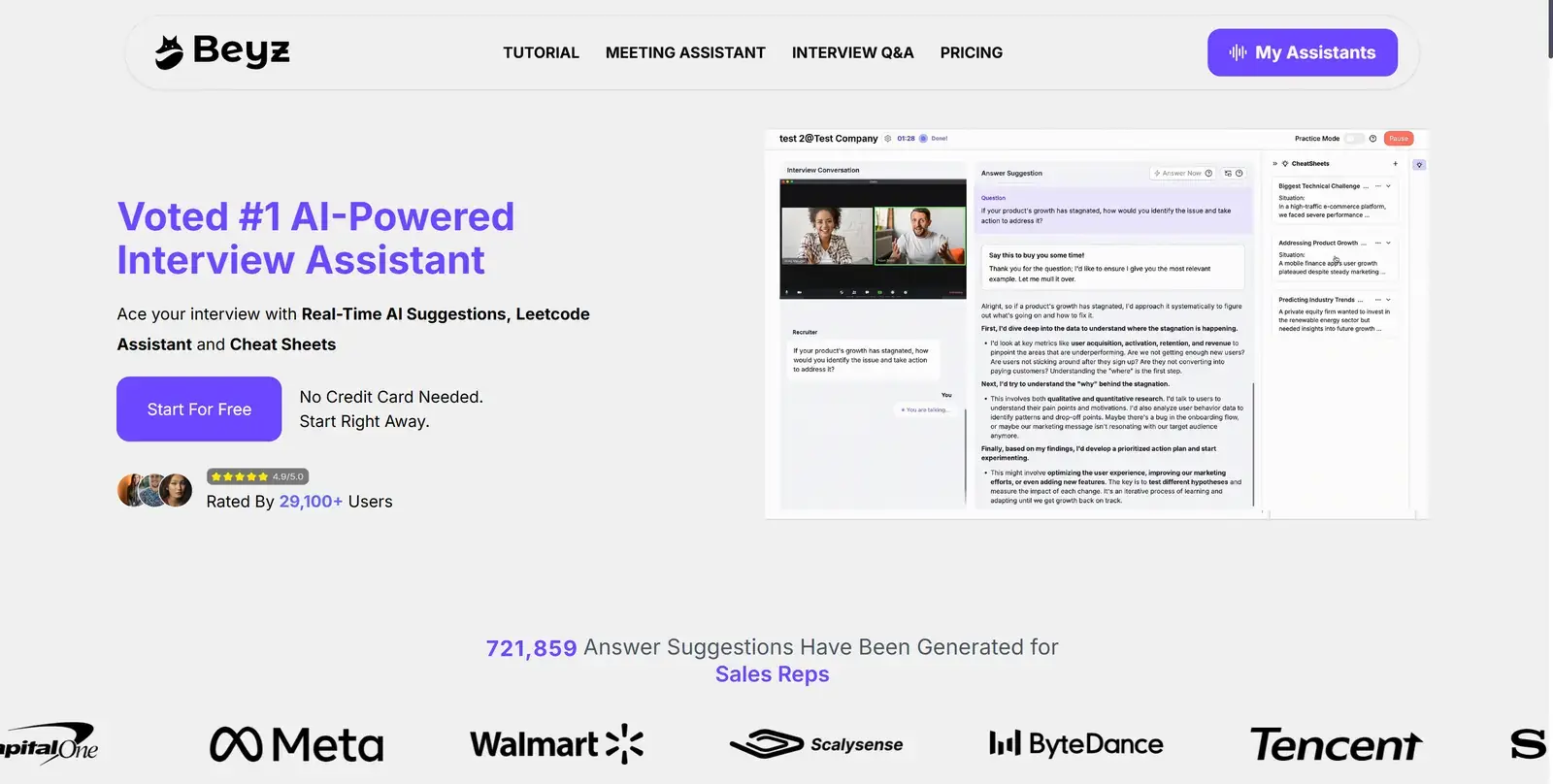
Beyz AI combines an interview assistant, a coding assistant, solo practice and interview cheat sheets, and keeps every round in one place. Setup is guided step by step, and its transcription is fast and accurate.
- Pros: natural-sounding answers, simple setup, all-in-one prep.
- Cons: the coding assistant and desktop app are paid-only, and full features need a quarterly or annual plan; answers sometimes miss the question or lag, struggle with accents and technical terms, and can sound junior for senior roles.
Which one fits which candidate
| Need | Best fit |
|---|---|
| Coding plus the conversation around it, in one tool | Solvro |
| LeetCode-heavy rounds with a phone as a remote | Interview Solver |
| Pure LeetCode practice with a second screen | LeetCode Wizard |
| Bundling audio, text and screenshots into one question | CTRLpotato |
| All-in-one prep with cheat sheets | Beyz AI |
For a broader look at coding copilots, including Interview Coder and Parakeet AI, read our coding interview assistant comparison. If you are an engineer preparing for a full loop, our guide for software engineers covers each round.
Check the rules first
Most employers and assessment platforms prohibit outside help in their terms. Solvro keeps its window out of screen captures, but no tool can promise it will never be noticed, and breaking those rules can cost you an offer. Decide for yourself whether that risk is worth taking.
Frequently asked questions
An app that helps during technical interviews: it solves coding problems from screenshots, explains the approach, and answers the interviewer's spoken follow-ups. Solvro covers all three with its Coding Test, MCQ and Interview modes.
Yes. In Solvro, Interview mode answers spoken system design questions, and Query mode explains a diagram or prompt you capture from the screen.
Most also handle behavioural questions. Solvro's Interview mode works for any role, because it answers from your own resume and the job description.
You can switch between Gemini 3.7 Flash, Gemini 3.1 Pro, Claude Sonnet 5, Claude Opus 5 and Claude Fable 5 with Ctrl Shift M. Claude Opus 5 and Claude Fable 5 are the strongest on hard problems; the Gemini models are fastest.