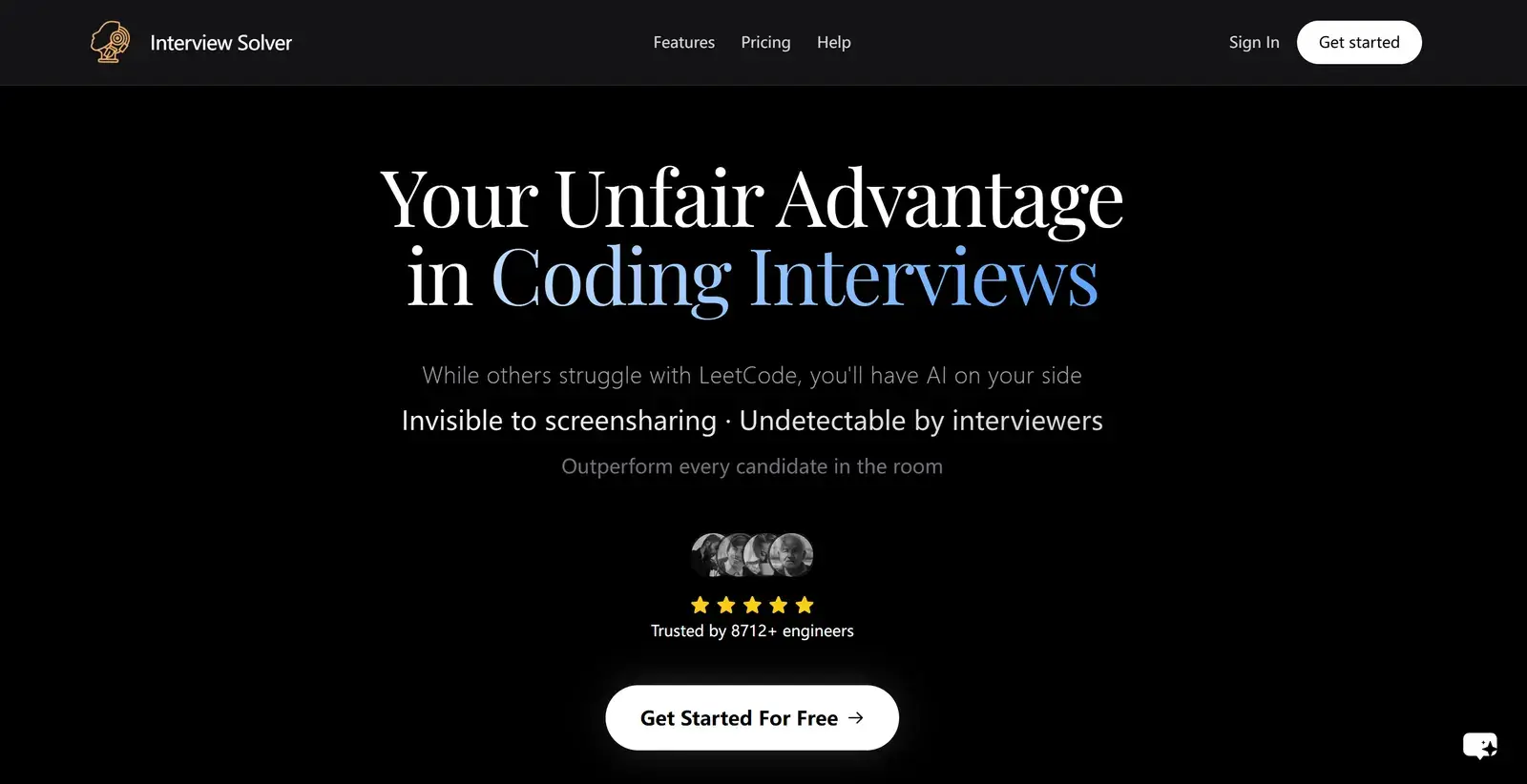
Solvro vs Interview Solver at a glance
| Solvro | Interview Solver | |
|---|---|---|
| Runs as | Desktop app for Windows and macOS | Desktop app for Windows and macOS, plus a phone companion |
| Built for | Live interviews, coding rounds and online assessments | Coding and technical interviews |
| Spoken questions | Interview mode answers each question automatically | Transcribes you and the interviewer; answers on a click or shortcut |
| Coding questions | Up to 20 screenshots per question, 10+ languages, auto-typing | Screenshot capture and real-time code generation |
| Personalisation | Resume, job description, extra context, custom instructions | Resume and job description uploads |
| Window opacity | Adjustable by shortcut | Not adjustable, in reviewers' tests |
| Models | Gemini 3.7 Flash, Gemini 3.1 Pro, Claude Sonnet 5, Claude Opus 5 and Claude Fable 5 | Not named on its website |
| Price | Pro+ $49 a month, or $117 for 3 months; Sprint Pass $24 for 7 days | $59 a month, or $149 every 3 months |
Where Interview Solver is strong
- Coding focus. It is built around LeetCode-style problems and system design, and reviewers describe its coding answers as fast and professional.
- Companion mode. Your phone can act as a remote control, which some candidates prefer to keyboard shortcuts.
- The quarterly plan. $149 for 3 months is good value if you are interviewing for a whole season.
Spoken questions
Interview Solver transcribes the conversation, but an answer appears when you click or press a shortcut. Solvro's Interview mode detects each question in the transcript and answers it automatically, from your resume and the job description, so you never touch the app while the interviewer is speaking. CtrlShiftN marks a new question if you want a fresh answer.
Coding rounds and assessments
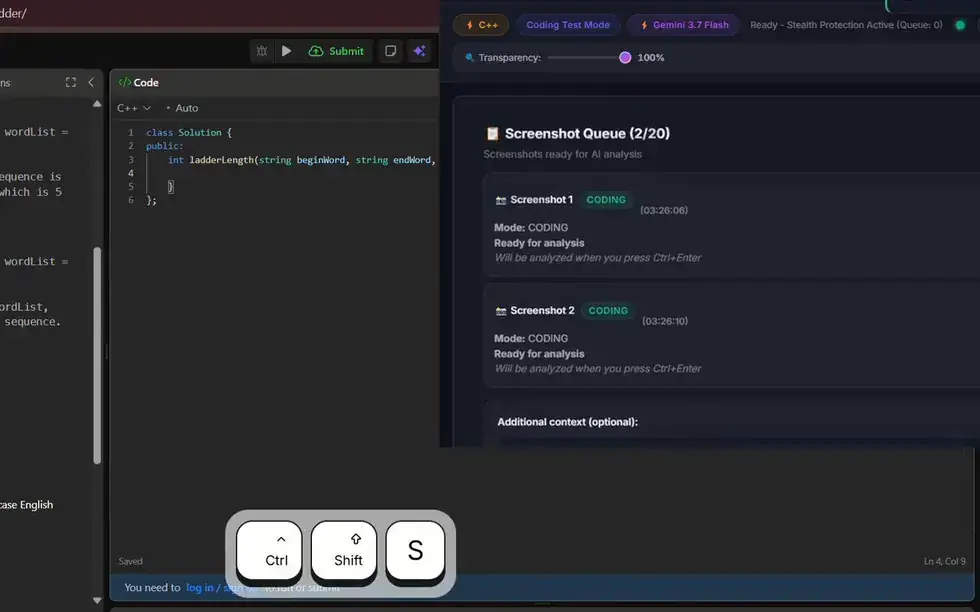
Both capture the screen and return code. Solvro adds a queue for long problems: press CtrlShiftS once for each screen (up to 20), then CtrlEnter sends them as one question. The answer gives the approach, its complexity and the code in your chosen language, and auto-typing can type it into the editor with human timing instead of pasting. MCQ mode covers the multiple-choice sections of online assessments; see AI online assessment assistants.
Stability and the window
In reviewers' tests, Interview Solver's transparency could not be adjusted, and some reported occasional freezes and trouble finding the window after minimising it. Solvro's window can be faded with CtrlShift[ and CtrlShift], hidden and shown with CtrlSpace, moved and scrolled, all by shortcut. Whichever you use, run a full practice call before the real interview.
Price
| Your search | Solvro | Interview Solver |
|---|---|---|
| One interview week | $24 (Sprint Pass) | $59 (one month) |
| One month | $49 (Pro+) | $59 |
| Three months | $117 (Pro+, quarterly) | $149 |
Over three months the two cost about the same; for a single interview week, Solvro's Sprint Pass costs less. Both have a free option to try first.
| Plan | Price | Billing | What you get |
|---|---|---|---|
| Pro | $29/mo | Billed monthly ($29). | Gemini models, every mode except Interview |
| Pro (quarterly) | $19/mo | $57 billed every 3 months. | Same as Pro monthly |
| Pro+ | $49/mo | Billed monthly. | All five models, all four modes including Interview |
| Pro+ (quarterly) | $39/mo | $117 billed every 3 months. | Same as Pro+ monthly |
| Eternal Pass | $29/mo | $348 billed yearly. | All Pro+ features for a full year |
| Sprint Pass | $24 once | 7-day access. | All Pro+ features for 7 days, no subscription |
| Free trial | $0 | No card required | 10 AI answers and 10 minutes of Interview mode |
Prices in USD; customers in India are charged the rupee equivalent. Full details on the pricing section.
Our verdict
For most candidates, Solvro is the better choice, especially when the loop mixes conversation and code.
- Spoken questions answered automatically, with no click or shortcut needed.
- Up to 20 screenshots per question, auto-typing, and MCQ mode for online assessments.
- Window opacity, position and visibility all on shortcuts.
- $24 for an interview week, against $59 for a month.
Interview Solver may still suit you if you want to control the copilot from your phone. For a wider comparison, read the best tech interview AI assistants.
Check the rules first
Most employers and assessment platforms prohibit outside help in their terms. Solvro keeps its window out of screen captures, but no tool can promise it will never be noticed, and breaking those rules can cost you an offer. Decide for yourself whether that risk is worth taking.
Competitor plans, prices and features are summarised from public product pages and reviews and change often; check each vendor’s own site before you buy. Product names are trademarks of their owners. Solvro is not affiliated with or endorsed by them.
Frequently asked questions
For most candidates, Solvro: spoken questions answered automatically, up to 20 screenshots per question, auto-typing, MCQ mode, and $24 for an interview week against $59 a month. Interview Solver suits candidates who want a phone remote.
Interview Solver has a free tier. Paid plans are $59 a month, or $149 every 3 months on its Interview Cycle plan.
Yes. Interview Solver has desktop apps for macOS and Windows, plus a phone companion mode. Solvro also runs on Windows and macOS (Apple Silicon).
It transcribes the conversation, and an answer appears when you click or press a shortcut. Solvro's Interview mode answers each spoken question automatically.
Solvro has a Coding Test mode with up to 20 screenshots per question and auto-typing, plus an MCQ mode for multiple-choice sections. Its free trial gives 10 answers with no card.