These are the qualities that separate a useful coding assistant from a chatbot with a screenshot button:
| Quality | What to look for |
|---|---|
| Reading the problem | Screenshot capture with a hotkey, and the ability to send several captures as one question. |
| Working code | Complete solutions in your language, with time and space complexity. |
| Explanation | The reasoning behind the approach, so you can talk through it. |
| Follow-ups | Answers to the interviewer's spoken questions, not just the written problem. |
| Platform fit | Works alongside HackerRank, CodeSignal, CoderPad, LeetCode, Zoom, Teams and Meet. |
| Keyboard control | Global hotkeys, so you never reach for the mouse mid-problem. |
1. Solvro
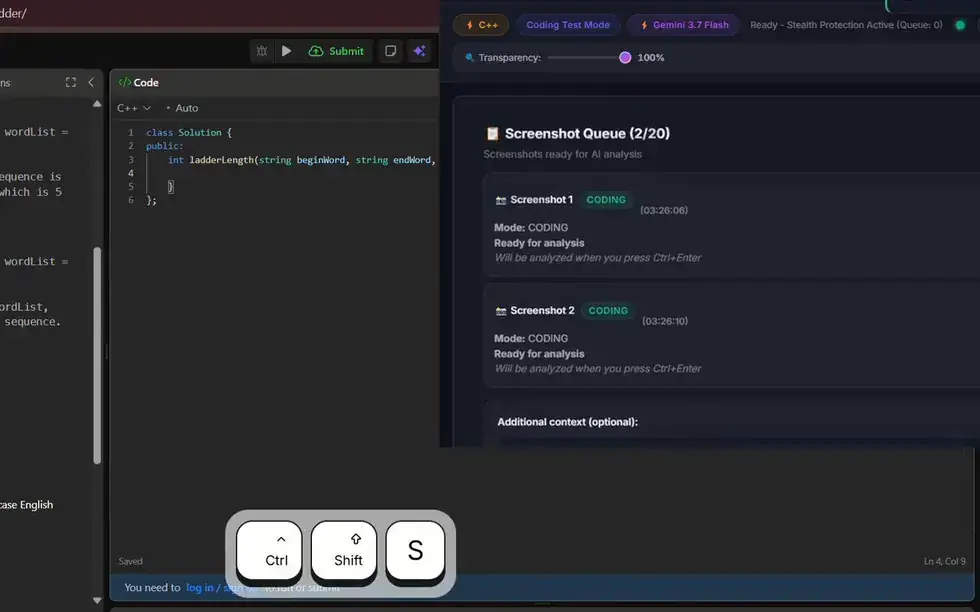
Solvro is a desktop app for Windows and macOS built around two coding modes. Coding Test solves programming problems; MCQ answers multiple-choice questions. Both work the same way: press CtrlShiftS to capture the question, press it again for each extra page, then press CtrlEnter to send the whole queue as one question. The queue holds up to 20 captures, so a long problem with examples and constraints on separate screens is no trouble.
- Languages: answers in over 10 programming languages. Set a default, or switch with CtrlShiftL.
- Explanations: each answer comes with the approach and its complexity, so you can explain it in your own words.
- Follow-ups: the conversation keeps its context, so you can ask "can you do it in O(n)?" without starting over. CtrlR starts a fresh one.
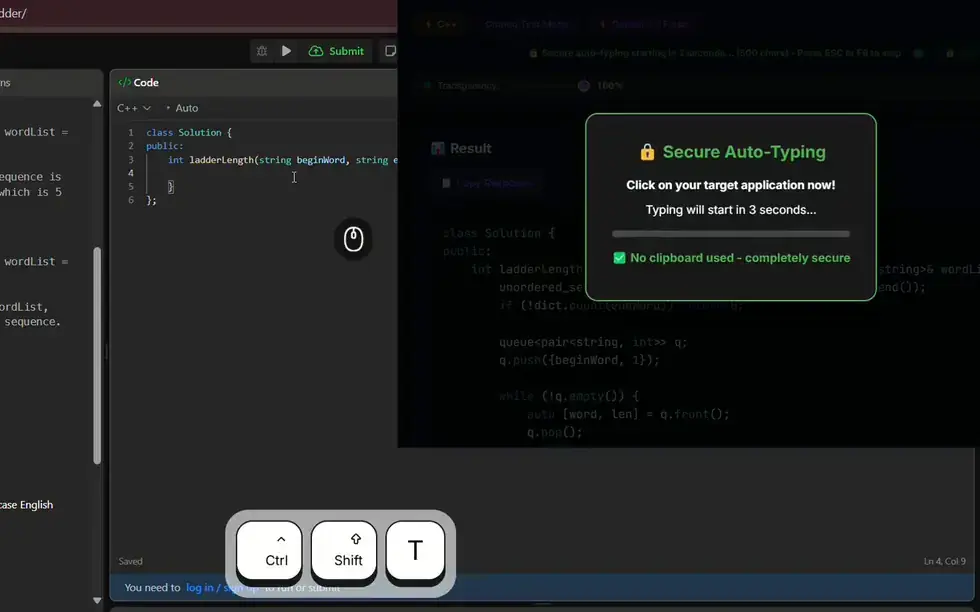
- Auto-typing: CtrlShiftT types the solution into the editor keystroke by keystroke with varied, human timing instead of pasting it. F8 stops it and CtrlShiftY resumes from the exact character where it stopped.
- Interview mode: when the coding round turns into a conversation, Interview mode transcribes the interviewer and answers the spoken question.
- Models: Gemini 3.7 Flash, Gemini 3.1 Pro, Claude Sonnet 5, Claude Opus 5 and Claude Fable 5.
- Out of the share: Solvro sets the operating system's content-protection flag, which excludes its window from screen capture and recording, and it runs outside the browser.
2. Final Round AI
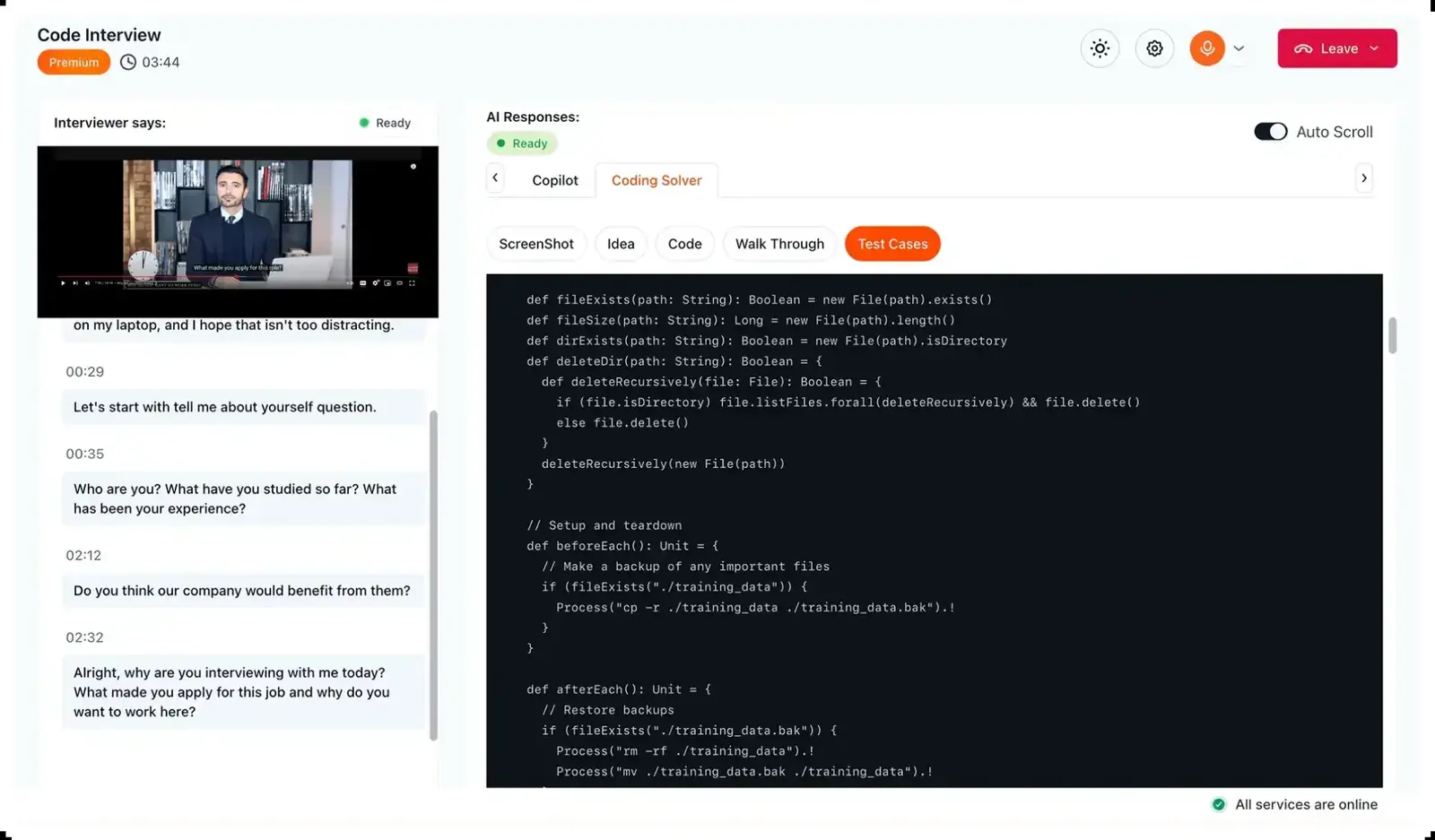
Final Round AI's main strength is answering from your resume and past experience, and it has a dedicated coding interview view that shows the interviewer's questions next to code suggestions. Its copilot now runs in a desktop app for macOS and Windows, with Stealth Mode on the paid Pro plan; the older web version ran in a Chrome tab.
- Platforms: Zoom, HackerRank, CodeSignal, CoderPad, Amazon Chime and Microsoft Teams, as long as they run in Chrome.
- Languages: Python, JavaScript, Java, C++ and more.
- Watch out for: because it lives in a browser tab, sharing your entire screen will show it.
- Price: Pro is advertised from $25 a month on the longest plan and costs about $148 a month on monthly billing; live sessions need Pro.
3. LockedIn AI
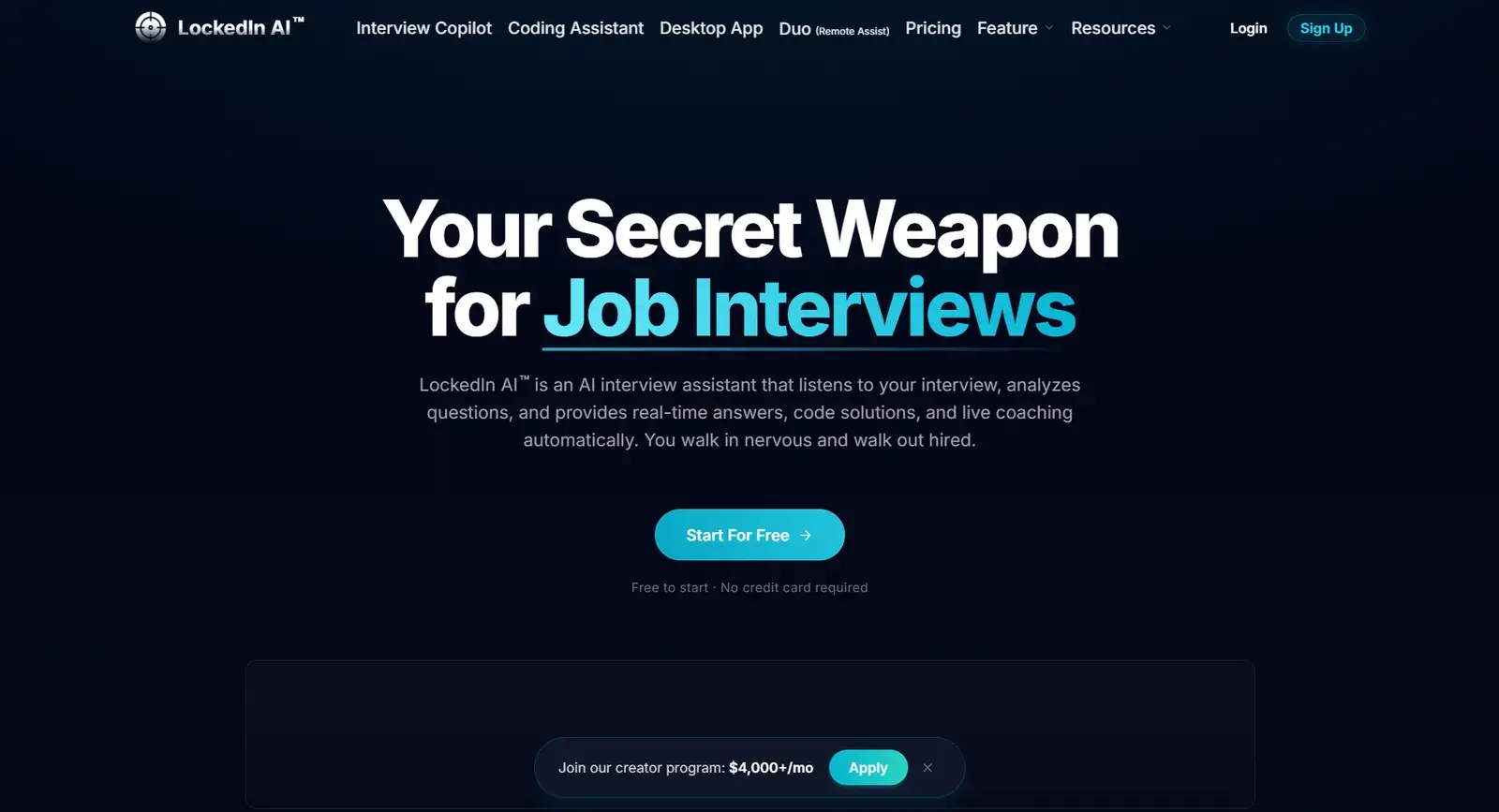
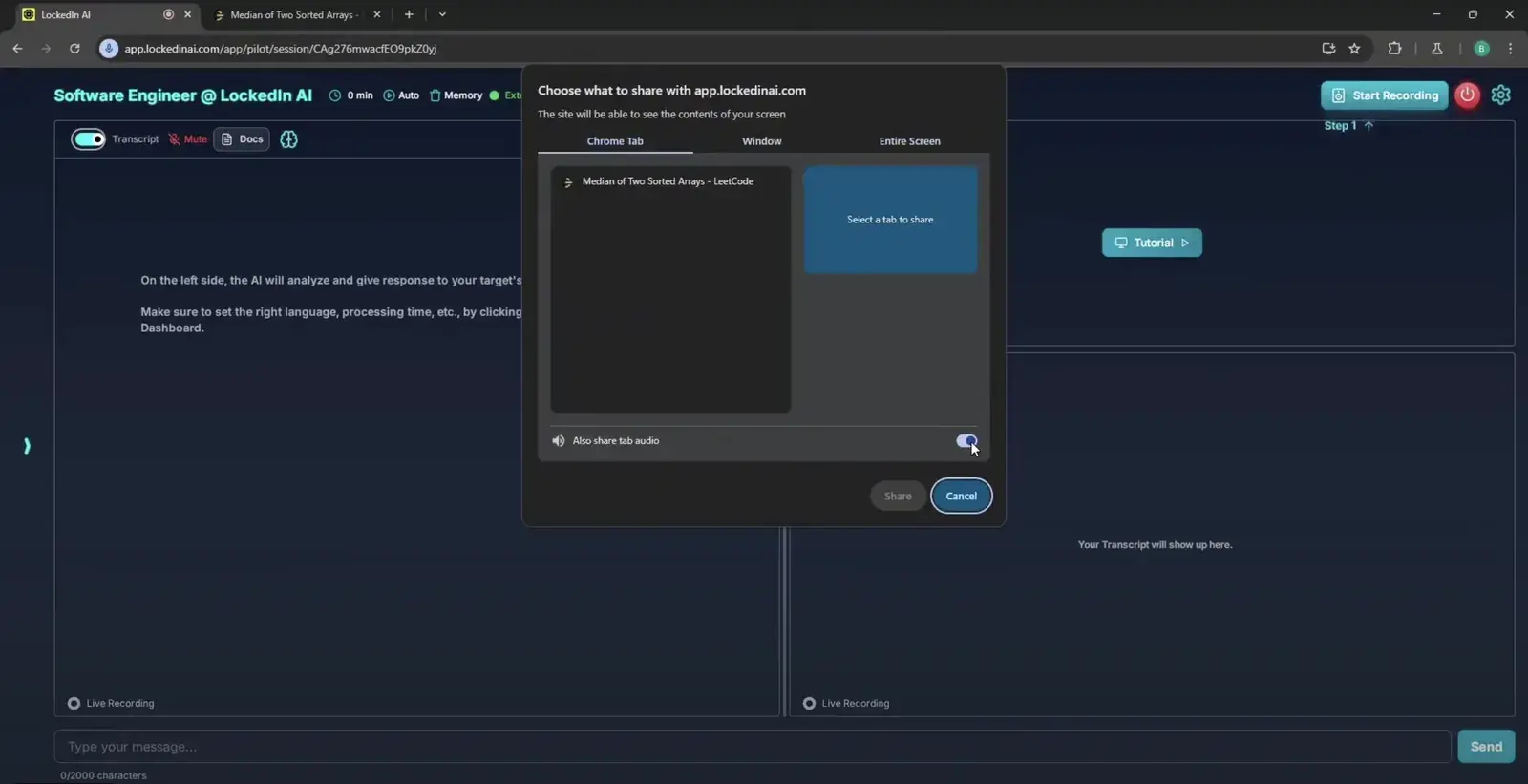
LockedIn AI runs as a web app, a Chrome extension or a desktop app. In the web app, you share the tab holding the coding problem with LockedIn, and it analyses that tab. Two features are its own: Active Tab Isolation, which keeps the AI focused on the interview page even if you switch tabs, and Smart Area Selection, which processes a region of the screen in one click.
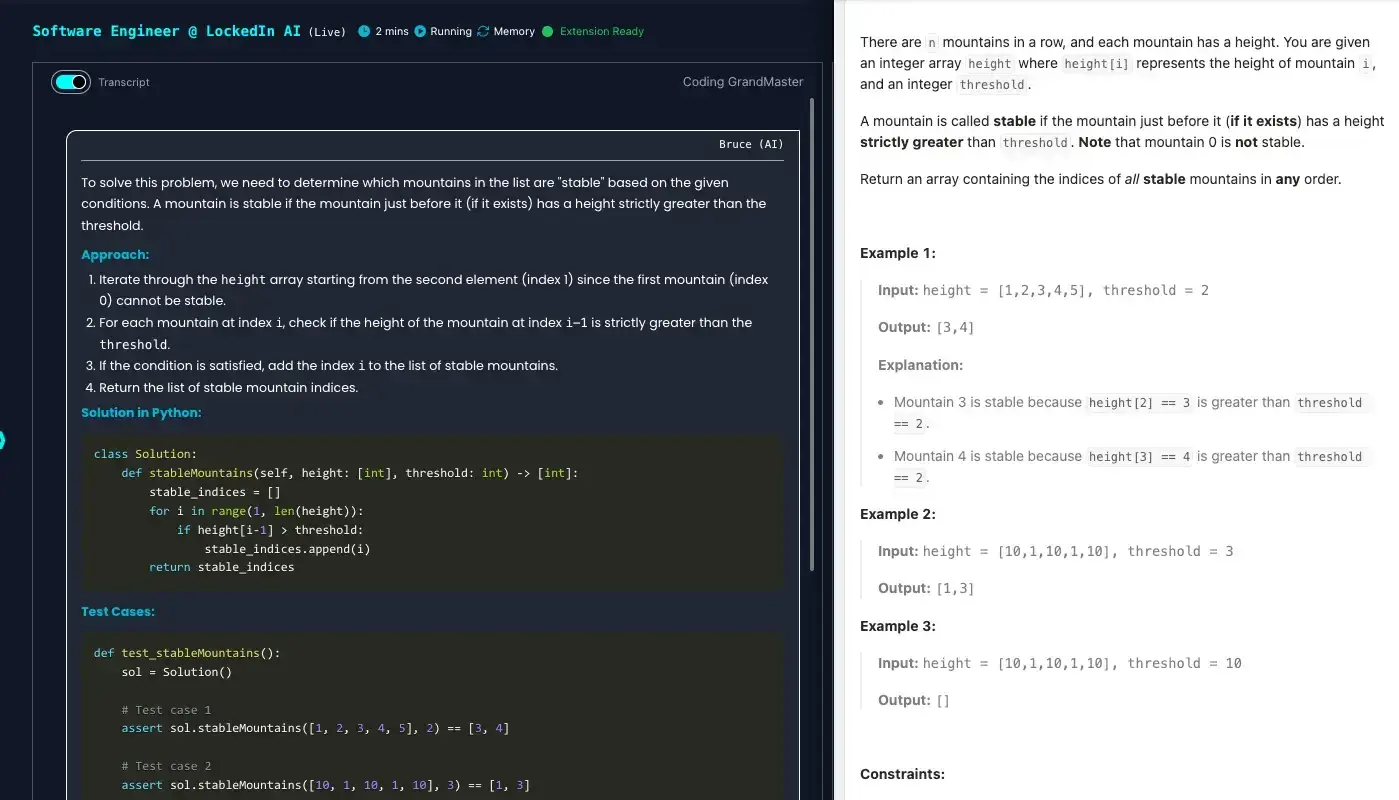
Its Side-by-Side Coding view opens a full coding page next to the interview, which is easier to read than a small floating window.
- Models: DeepSeek, OpenAI, Gemini, Claude and Grok.
- Follow-ups: answers spoken questions without you marking where they start and end.
- Watch out for: share only the single tab, never the whole screen.
- Price: General is $55 a month, or $40 a month billed quarterly, with a 10-minute trial.
4. Interview Coder
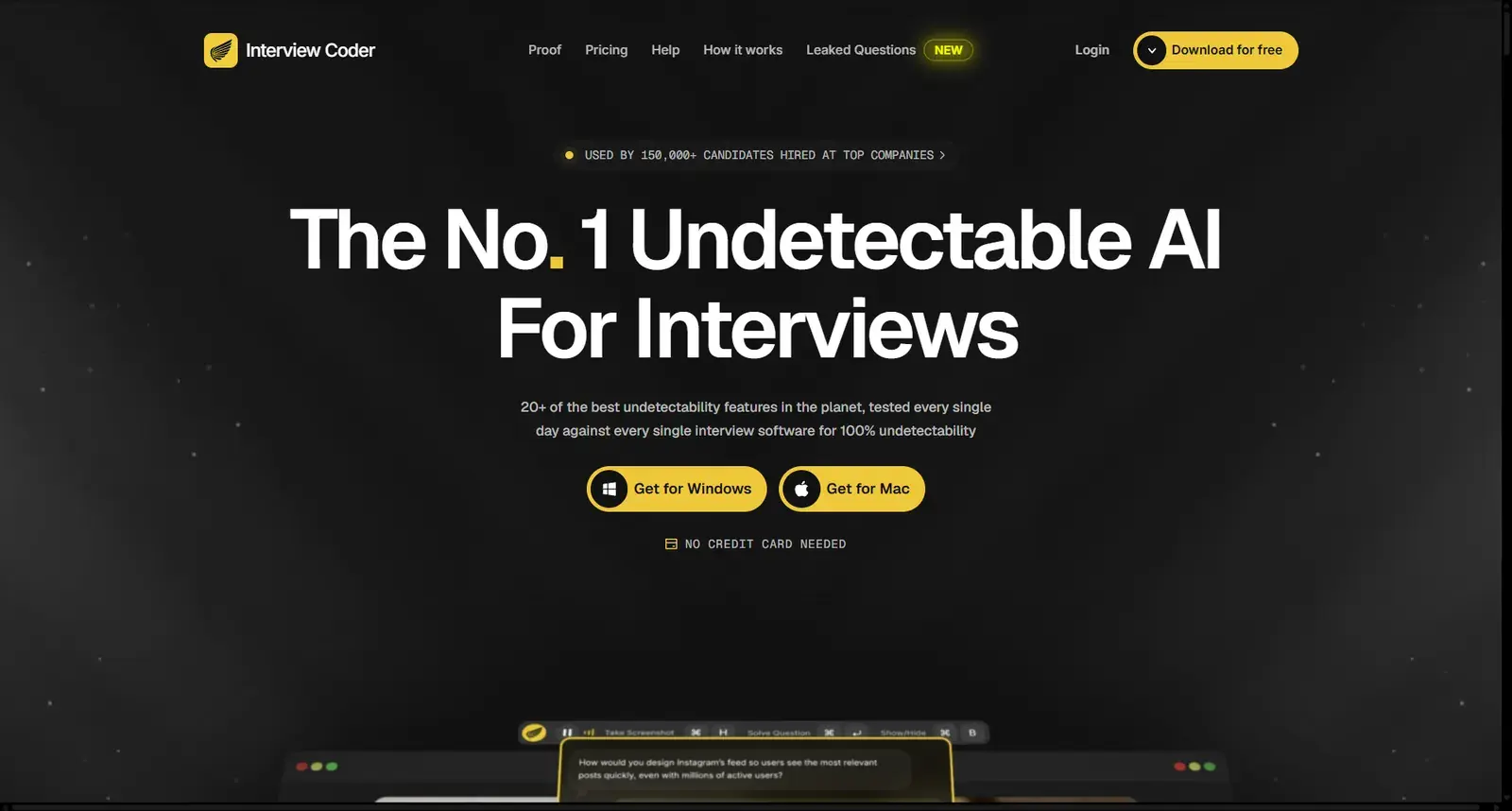
Interview Coder is a desktop app focused squarely on coding rounds. It runs outside the browser, can hide its Dock icon, and uses a disguised process name in Activity Monitor. It handles audio follow-ups, supports global hotkeys, and can use your personal background in its answers.
- Platforms: Microsoft Teams, Zoom, Google Meet, Amazon Chime, HackerRank, CoderPad and Codility.
- Models: DeepSeek, OpenAI, Gemini, Claude and Grok.
- Limits: the answer panel cannot be collapsed, you cannot ask it to refine an answer (only regenerate it), and there is no history.
- Price: $299 a month for 1,000 credits, or $799 for lifetime access; the app is a free download, but AI features need a plan. See our Interview Coder comparison.
5. Parakeet AI
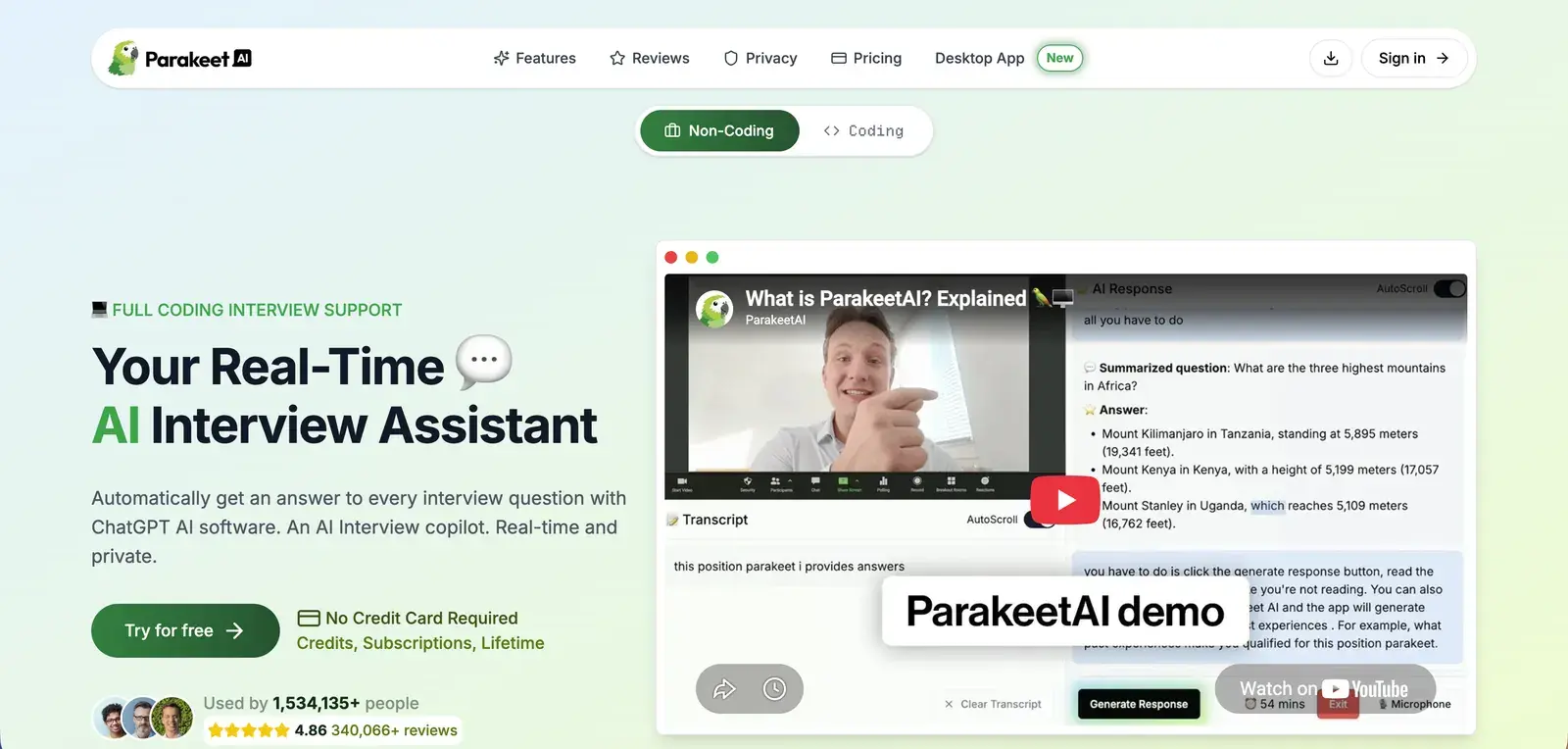
Parakeet AI is a desktop app with fast transcription and a clear structure for coding answers: a guided approach first, then complete code with syntax highlighting, then optimisation tips. It can hide its Dock icon and accepts your resume for personalised answers.
- Controls: no global hotkeys; screenshots and window moves are all done with the mouse.
- Languages: 52 spoken languages.
- Models: GPT-5, GPT-4o and Claude 3.5 Sonnet.
- Price: credits from $59 for three one-hour sessions, or $149.90 a month; 10-minute trial.
6. Cluely
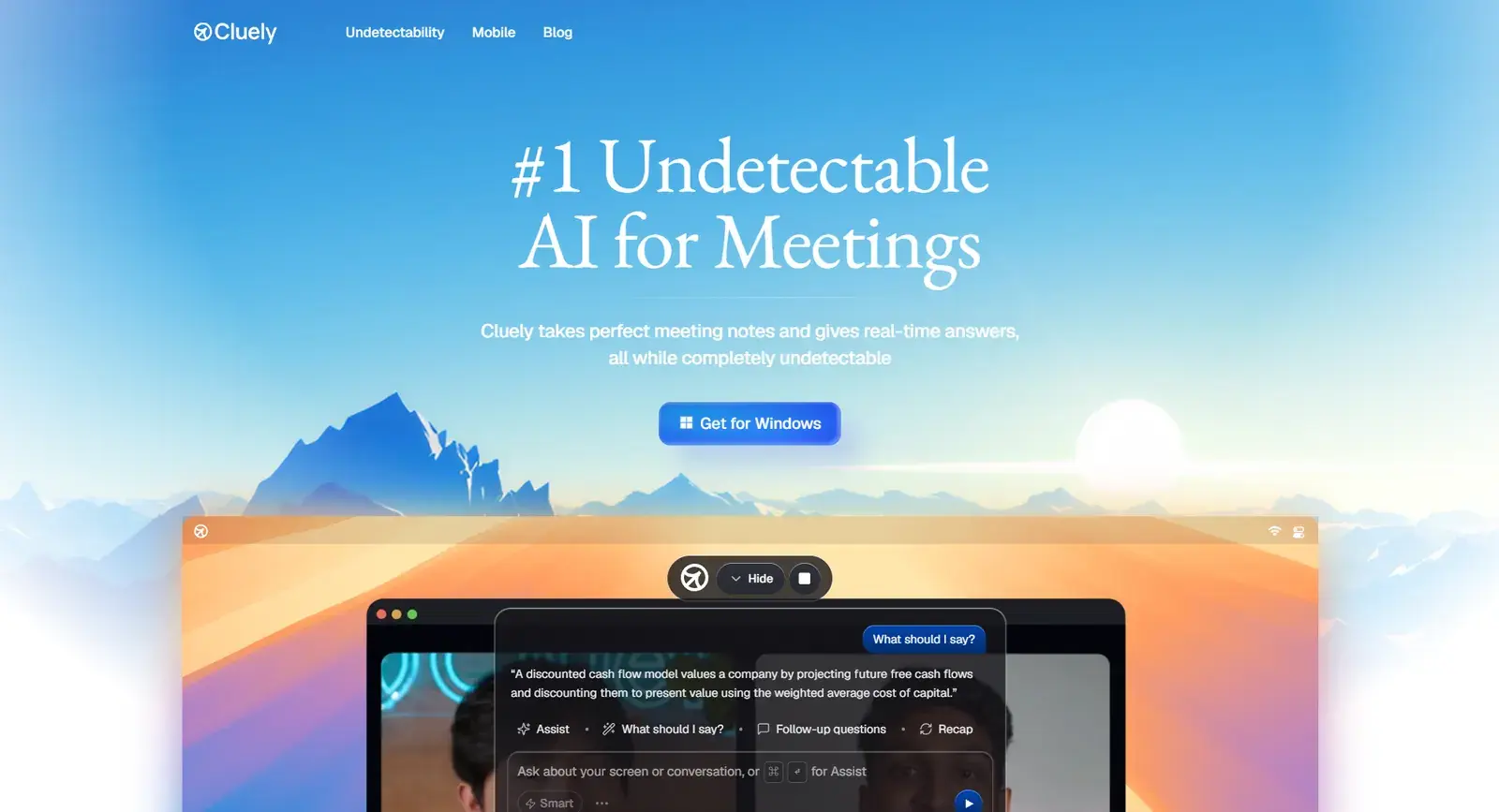
Cluely is a meeting assistant first, but its overlay can help in a coding interview call. It supports 12+ languages and works with Zoom, Microsoft Teams, Webex and Slack calls.
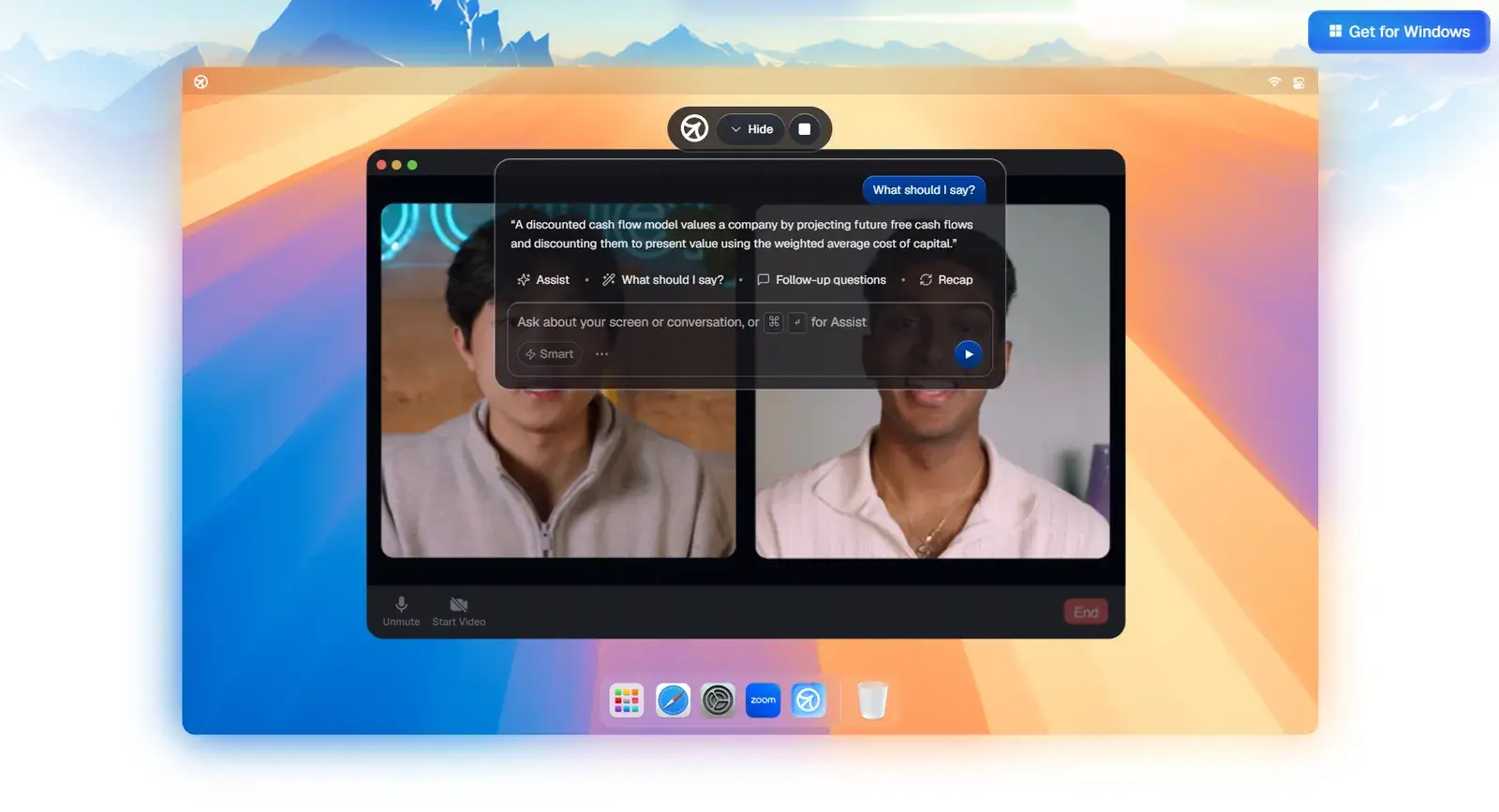
Cluely's documentation is explicit about its limits: only its keyboard shortcuts are meant to be used during an interview, because click events can be picked up by browser checks, and it does not guarantee invisibility on older computers and operating systems or under proctoring software.
- Price: Pro is $19.99 a month, but hiding from screen shares needs Pro + Undetectability at $149.99 a month. See Cluely alternatives.
Feature comparison
| Solvro | Final Round AI | LockedIn AI | Interview Coder | Parakeet AI | Cluely | |
|---|---|---|---|---|---|---|
| Runs as | Desktop app | Browser tab | Browser tab | Desktop app | Desktop app | Desktop app |
| Multi-screenshot questions | Up to 20 captures | No | Area selection | Yes | Click to capture | Screen help |
| Global hotkeys | Yes, reassignable | No | Yes, fixed | Yes | No | Yes |
| Spoken follow-ups | Yes (Interview mode) | No | Yes | Yes | Yes | Yes |
| Human-cadence auto-typing | Yes | No | No | No | No | No |
| Resume context | Yes | Yes | Yes | Yes | Yes | Yes |
Pricing
| Assistant | Free option | Lowest monthly price |
|---|---|---|
| Solvro | 10 answers and 10 Interview minutes | $19 (Pro, quarterly) |
| LockedIn AI | 10-minute trial | $40 (General, quarterly) |
| Final Round AI | None for live sessions | From $25 on the longest plan |
| Cluely | Free plan without stealth | $19.99; $149.99 with stealth |
| Parakeet AI | 10-minute trial | $149.90, or credits from $59 |
| Interview Coder | Free download, AI needs a plan | $299, or $799 lifetime |
Solvro's Pro plan covers Coding Test, MCQ and Query modes with the Gemini models; Pro+ adds Interview mode and the Claude models.
| Plan | Price | Billing | What you get |
|---|---|---|---|
| Pro | $29/mo | Billed monthly ($29). | Gemini models, every mode except Interview |
| Pro (quarterly) | $19/mo | $57 billed every 3 months. | Same as Pro monthly |
| Pro+ | $49/mo | Billed monthly. | All five models, all four modes including Interview |
| Pro+ (quarterly) | $39/mo | $117 billed every 3 months. | Same as Pro+ monthly |
| Eternal Pass | $29/mo | $348 billed yearly. | All Pro+ features for a full year |
| Sprint Pass | $24 once | 7-day access. | All Pro+ features for 7 days, no subscription |
| Free trial | $0 | No card required | 10 AI answers and 10 minutes of Interview mode |
Prices in USD; customers in India are charged the rupee equivalent. Full details on the pricing section.
Check the rules first
Most employers and assessment platforms prohibit outside help in their terms. Solvro keeps its window out of screen captures, but no tool can promise it will never be noticed, and breaking those rules can cost you an offer. Decide for yourself whether that risk is worth taking.
Frequently asked questions
Most of these tools also answer spoken questions. Solvro switches between Coding Test, MCQ, Interview and Query modes with one shortcut, so the same app covers an online assessment, a behavioural round and a system design discussion.
Desktop assistants such as Solvro, Interview Coder, Parakeet AI and Final Round AI need installing. Browser-based tools, and the web version of LockedIn AI, run in a tab, which means they show up if you share your whole screen.
Solvro returns solutions in over 10 programming languages, including Python, Java, C++ and JavaScript. Set your default in Settings or switch with Ctrl Shift L.
In Solvro, press Ctrl Shift S once per screen. The captures wait in a queue (up to 20) and Ctrl Enter sends them as one question.