What "invisible" means for an interview assistant
There are three separate questions behind the word.
- Does it show up in a screen share or recording? A desktop app can ask the operating system to exclude its window from capture. On Windows this is the content-protection flag; macOS has an equivalent. A browser tab cannot do this, so web-based tools rely on you sharing a single tab rather than your whole screen.
- Is it part of the web page? Page-level proctoring scripts can see tabs, focus changes and clicks inside the browser. An app that runs outside the browser is not part of the page they inspect.
- Does using it change your behaviour? Clicking around, switching tabs or looking at a phone are visible to a person no matter how the software behaves. Tools built around keyboard shortcuts and fast answers leave less to notice.
No vendor can promise all three hold against every proctoring product, and the honest ones say so.
Check the rules first
Most employers and assessment platforms prohibit outside help in their terms. Solvro keeps its window out of screen captures, but no tool can promise it will never be noticed, and breaking those rules can cost you an offer. Decide for yourself whether that risk is worth taking.
1. Solvro
Solvro is a desktop overlay for Windows and macOS. It sets the operating system's content-protection flag, which excludes its window from screen capture and recording, so it does not appear in a Zoom, Meet or Teams share. It runs as its own app, outside the browser, so page-level scripts do not see it.
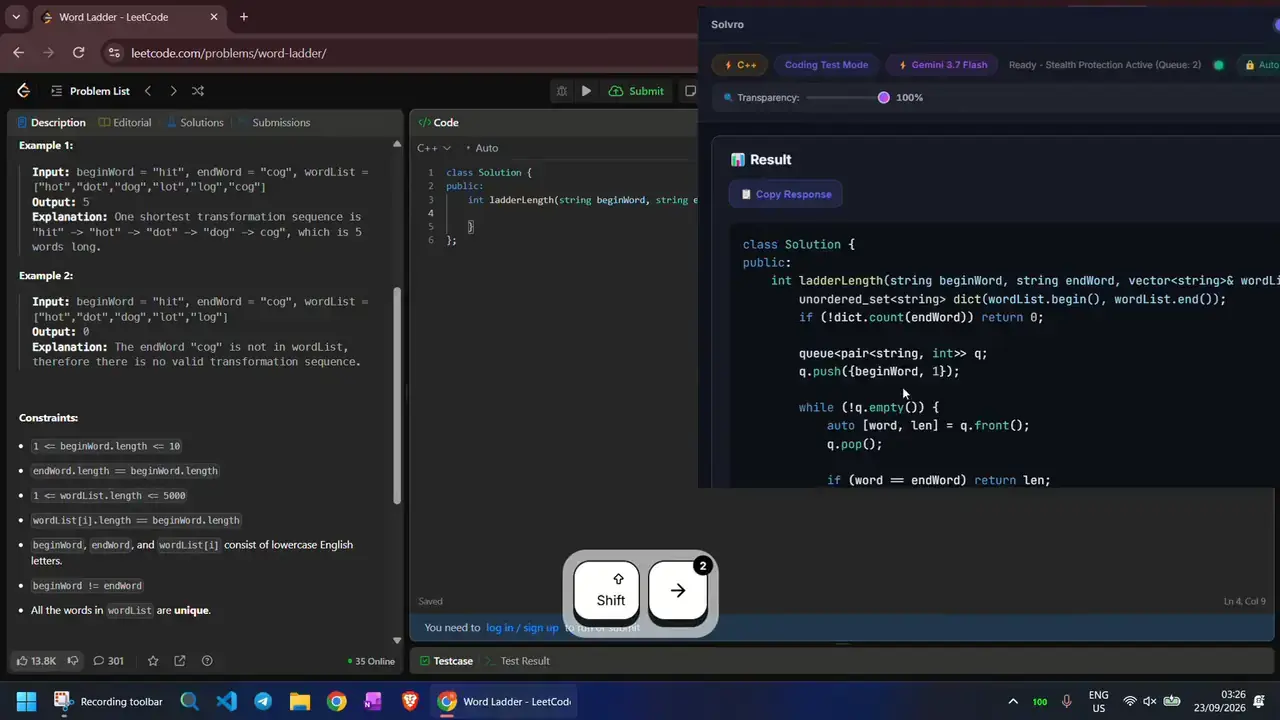
It is designed to be driven from the keyboard. CtrlShiftS captures a question, CtrlEnter sends it, CtrlSpace hides the window instantly, and CtrlShift] and CtrlShift[ fade it up or down so it sits lightly over whatever you are reading. You choose every key yourself, and the platform underneath never receives them.
- Modes: Interview (live transcription and answers), Coding Test, MCQ and Query.
- Personal answers: your resume, the job description and your own instructions shape every interview answer.
- Models: Gemini 3.7 Flash, Gemini 3.1 Pro, Claude Sonnet 5, Claude Opus 5 and Claude Fable 5.
- Price: Pro from $29 a month; Interview mode is in Pro+ from $49; a 7-day Sprint Pass is $24.
2. Final Round AI
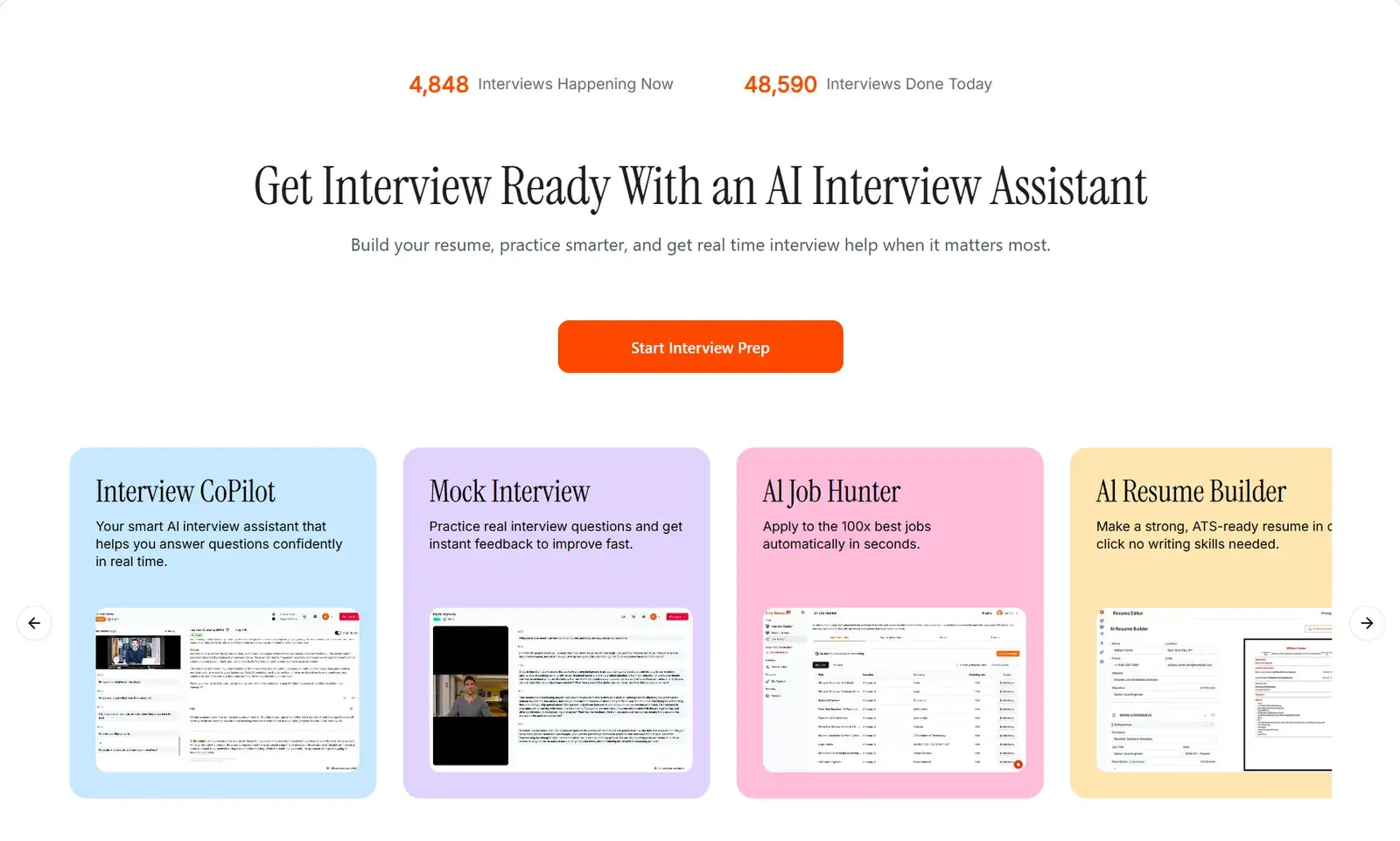
Final Round AI offers a web app and a desktop download with a stealth mode. It has the widest feature set of the five: model choice, a resume builder with keyword suggestions, and mock interviews across industries with adjustable difficulty.
- Strengths: breadth of features and customisation.
- Weaknesses: reviewers report occasional glitches in live sessions and answers that can feel generic for specialised roles.
- Price: about $148 a month on monthly billing, less on longer plans.
3. Parakeet AI
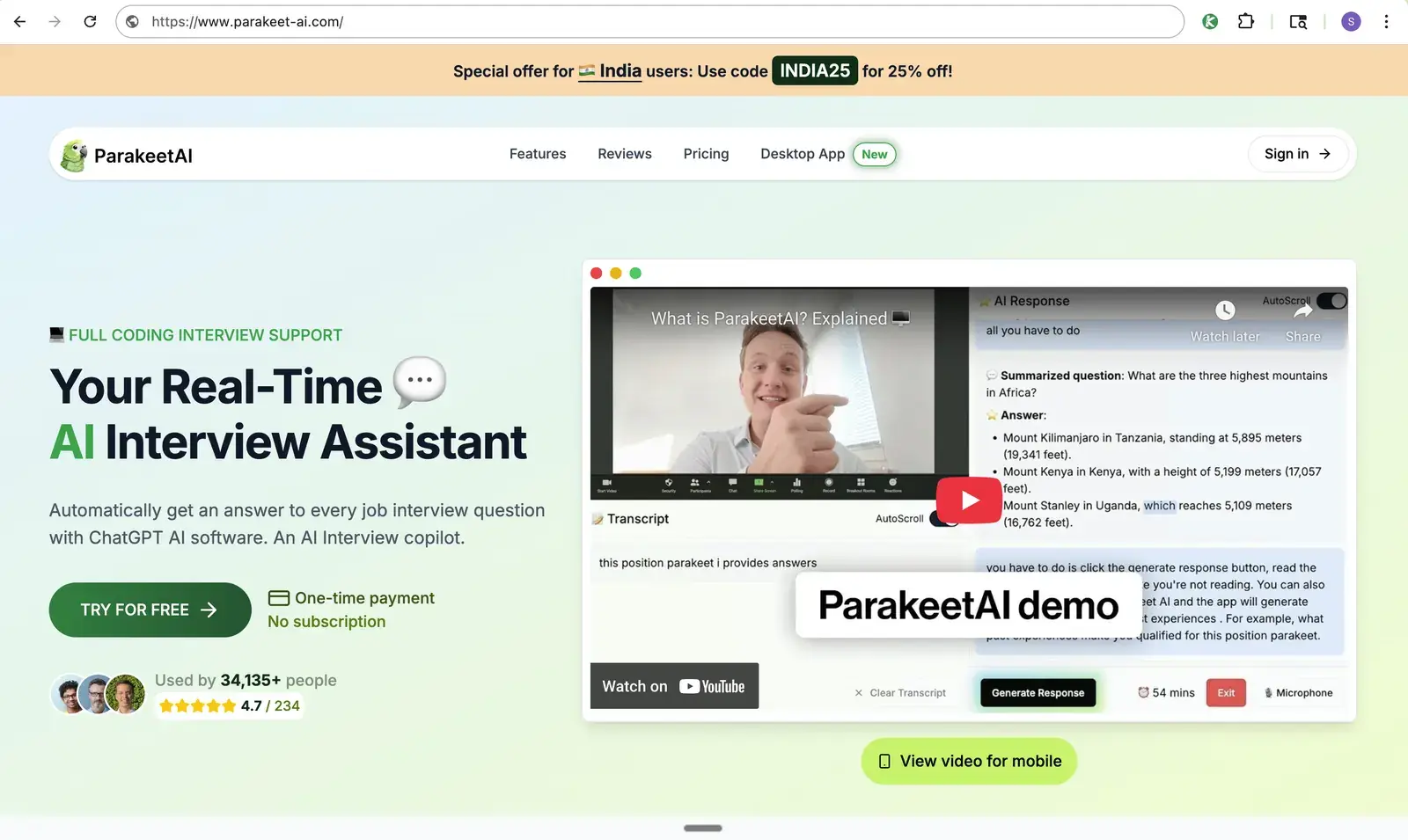
Parakeet AI is a desktop app built on models such as GPT-5, GPT-4.1 and Claude 4, and gives detailed answers on both behavioural and technical questions. Its pricing is the most flexible of the five, which matters if you only have one or two interviews coming up.
- Strengths: detailed answers, pay-per-use credits.
- Weaknesses: credit sessions are time-limited, which is awkward when you cannot predict how long an interview will run; it is operated with the mouse rather than hotkeys.
- Price: credits (one credit is a one-hour session) from $38 for one or $59 for three; or unlimited at $149.90 a month or $449.90 a year, with a lifetime option.
4. LockedIn AI
LockedIn AI gives structured answers and useful feedback after practice, with notes such as "you sped up here" or "this part did not answer the question". Its web app runs in a browser tab, where you share a single tab rather than your whole screen; LockedIn also offers a desktop app for macOS and Windows.
- Strengths: reliable, structured answers and practice feedback.
- Weaknesses: more than a dozen shortcut combinations to learn, and it shows hints first, so you have to ask again for a full answer.
- Price: General plan $55 a month or $40 a month quarterly; Professional $120 a month or $80 a month quarterly.
5. LeetCode Wizard
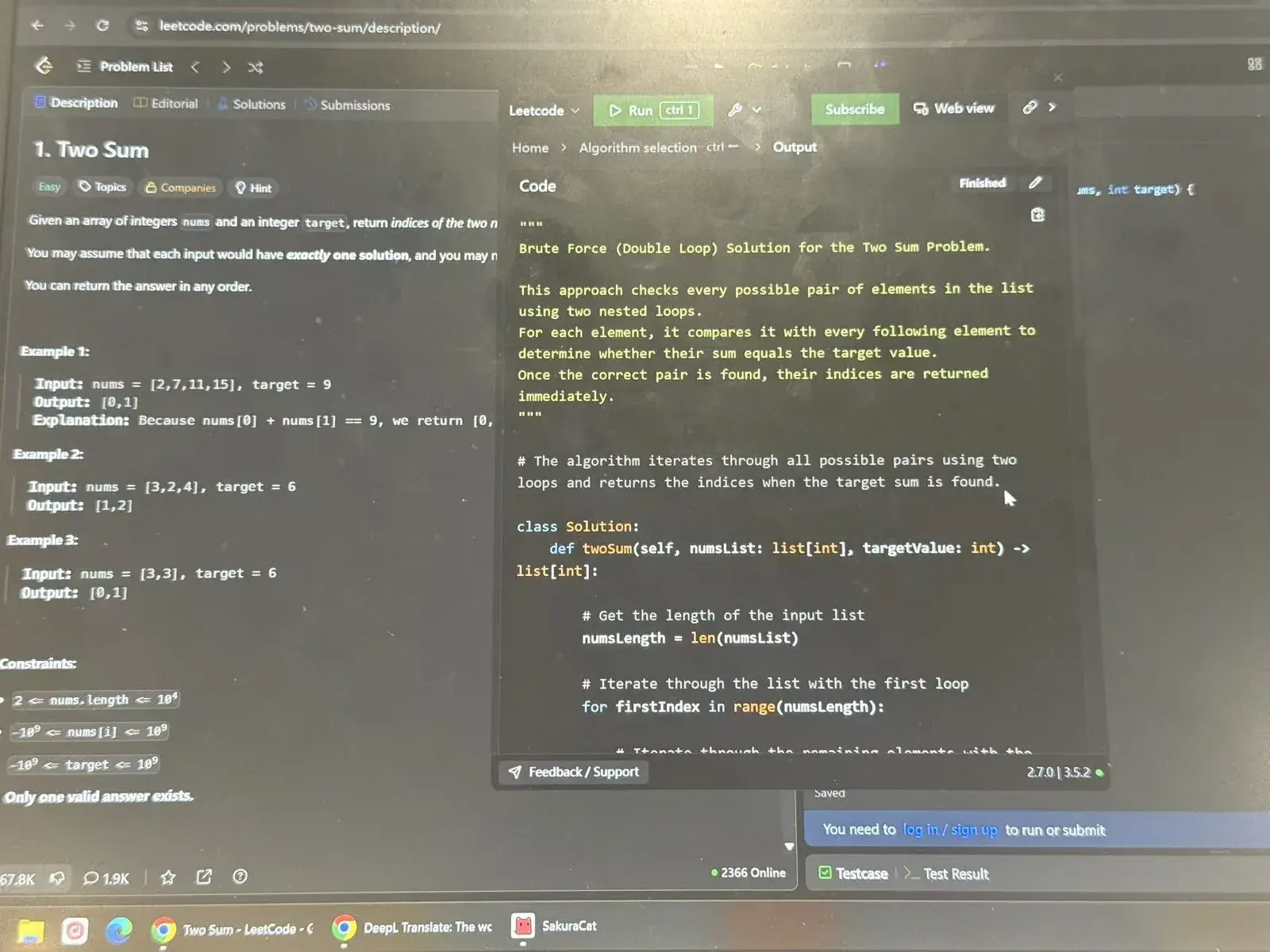
LeetCode Wizard is a desktop app built only for coding rounds. On Windows it stays out of screenshots and screen recordings. Its solutions are written to read more like human code than textbook answers, and each comes with a step-by-step explanation.
- Strengths: explanations that teach the pattern, human-looking code.
- Weaknesses: on some platforms its own workaround is to read answers on a second device, which is awkward on a phone and easy to notice on a tablet; some platforms, such as Coderbyte, detect a second device.
Comparison
| Solvro | Final Round AI | Parakeet AI | LockedIn AI | LeetCode Wizard | |
|---|---|---|---|---|---|
| Runs as | Desktop app | Web app and desktop | Desktop app | Web app, Chrome extension or desktop | Desktop app |
| Excluded from screen capture | Yes, OS content protection | Desktop stealth mode | Yes | Web app: share one tab only | Yes, on Windows |
| Keyboard-driven | Yes, reassignable shortcuts | Partly | No | Many fixed combinations | Partly |
| Live interviews | Yes | Yes | Yes | Yes | No, coding only |
| Coding tests | Yes | Yes | Yes | Yes | Yes |
| Lowest price | $19/mo (Pro, quarterly) | About $148/mo monthly | $38 per one-hour credit | $40/mo quarterly | Varies |
How to check a tool before you rely on it
Run a practice call with a friend on the same platform your interview uses. Share your entire screen, not a tab, and ask them what they see. Try it with the window faded, hidden and at full strength. Then do the same on the assessment platform's practice test if it has one. Ten minutes of testing tells you more than any vendor's claim.
Frequently asked questions
Solvro sets the operating system content-protection flag, which excludes its window from screen capture and recording, so it does not appear in a Zoom, Meet or Teams share. We cannot guarantee behaviour against every proctoring product, so test it on a practice call first.
A browser tab cannot exclude itself from a screen share, and page-level proctoring scripts can see tab switches and clicks. Desktop apps run outside the browser and can ask the operating system to keep their window out of captures.
Possibly. Long pauses, reading aloud and glancing away are noticeable no matter how the software behaves. Keyboard shortcuts, a faded window placed near your camera and answers based on your own resume help you stay natural.
Interview mode captures your microphone and your computer's system audio (the interviewer coming through the call), transcribes the conversation, and answers the interviewer's questions.