What makes remote interviews different
- The camera. Looking down at notes or a phone reads as distraction. Answers have to be readable near the lens.
- Screen sharing. Technical rounds often ask you to share your screen; browser-tab tools and extensions show up in a full share.
- Silence. On a call, a five-second pause feels like fifteen. Help has to arrive fast or not at all.
- Recording. Many sessions are recorded for later review.
What to look for
| Quality | Why it matters remotely |
|---|---|
| Desktop app, not a tab or extension | A full screen share shows browser tabs and extensions |
| Automatic answers | You cannot click around while on camera |
| Speed | Silence is magnified on video |
| Structured answers | Points you can glance at, not paragraphs to read |
| Your own background | Remote interviewers probe for specifics |
| Window control | Place it near the camera, fade it, hide it instantly |
Where common tools fall short remotely
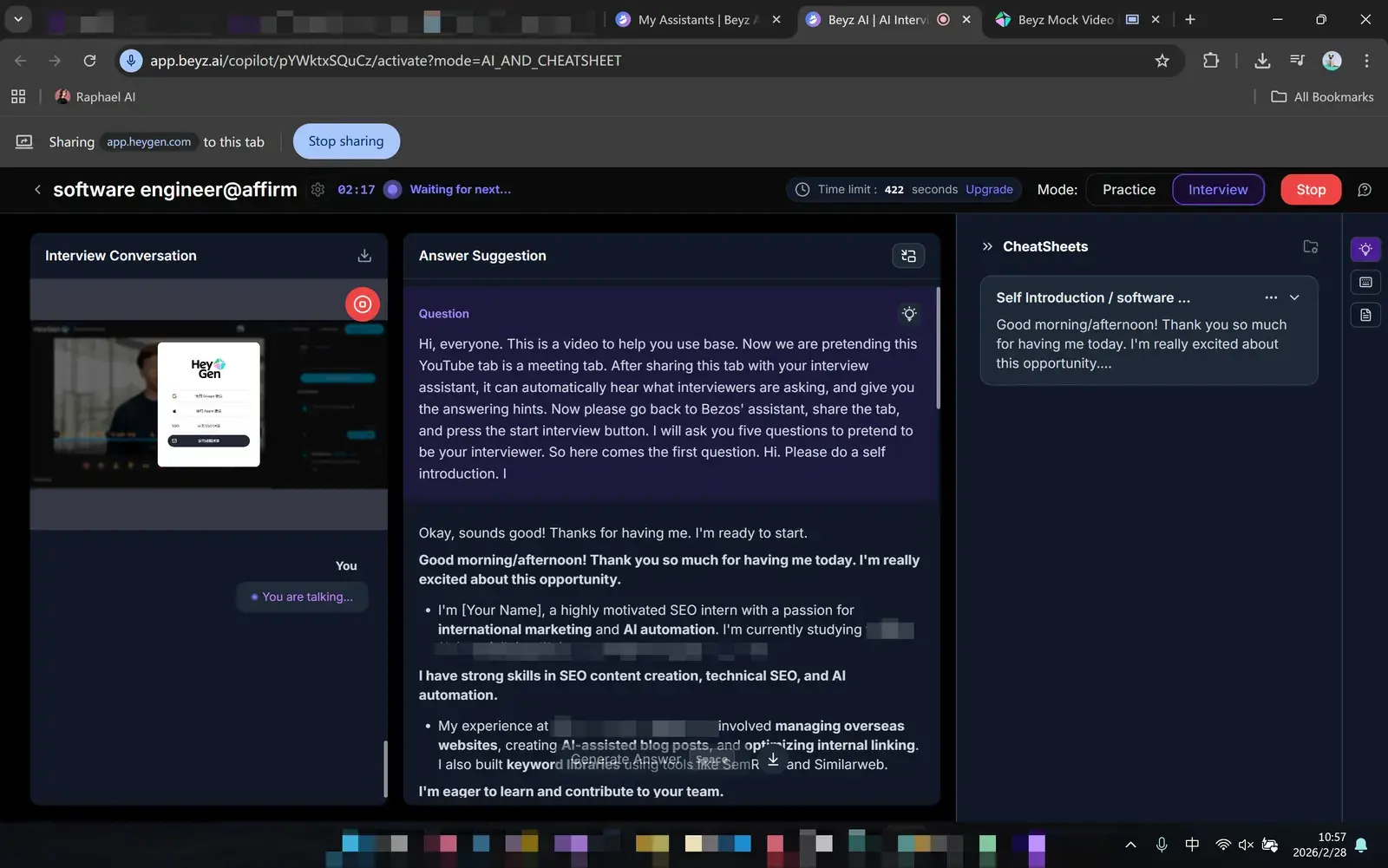
Tab-based copilots such as Beyz AI work until you are asked to share your whole screen.
Latency is the other problem: reviewers report that Final Round AI can take four to five seconds to transcribe and respond, which is a long silence on a call.
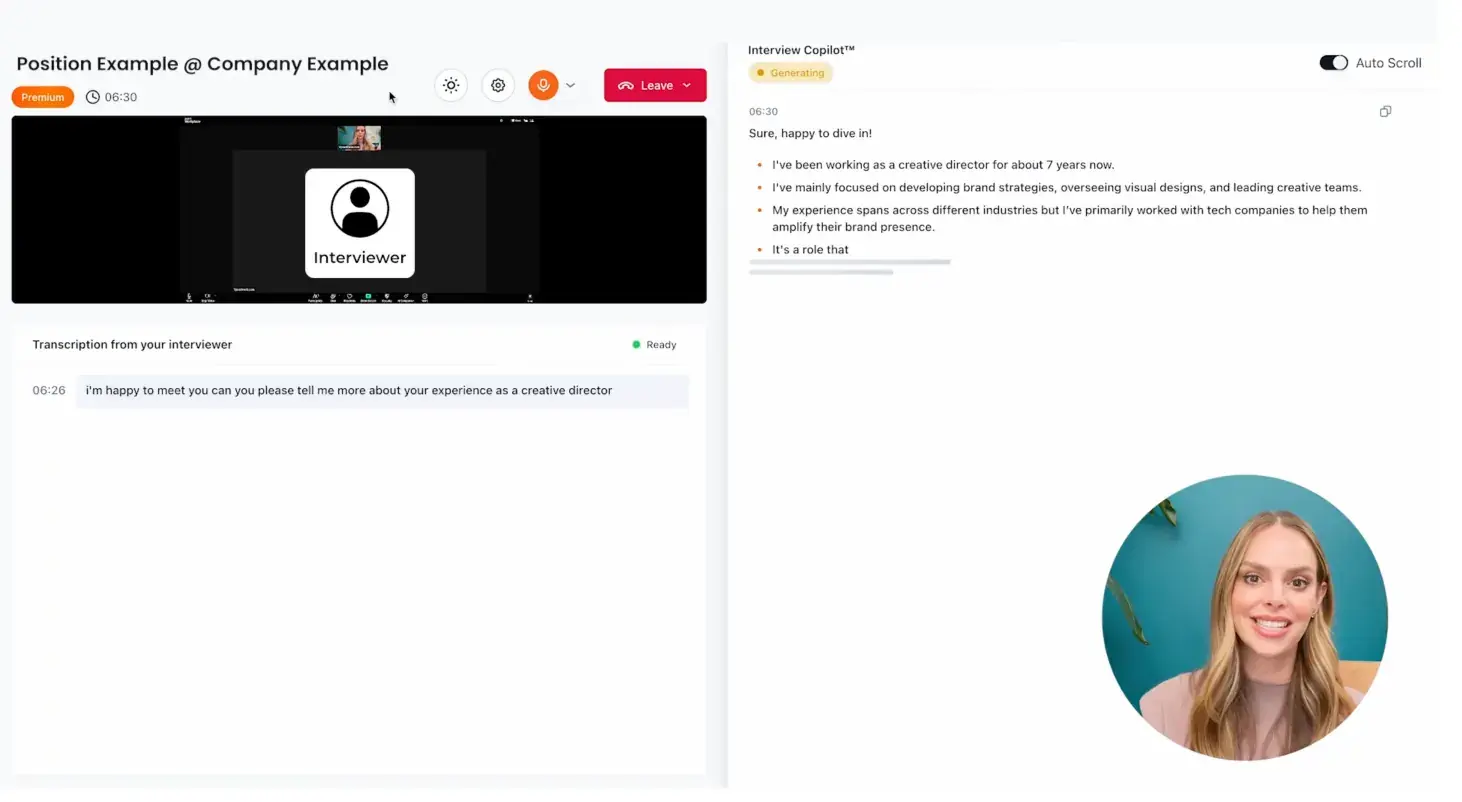
And model choice matters for answer quality. Parakeet AI's session settings list a handful of models.
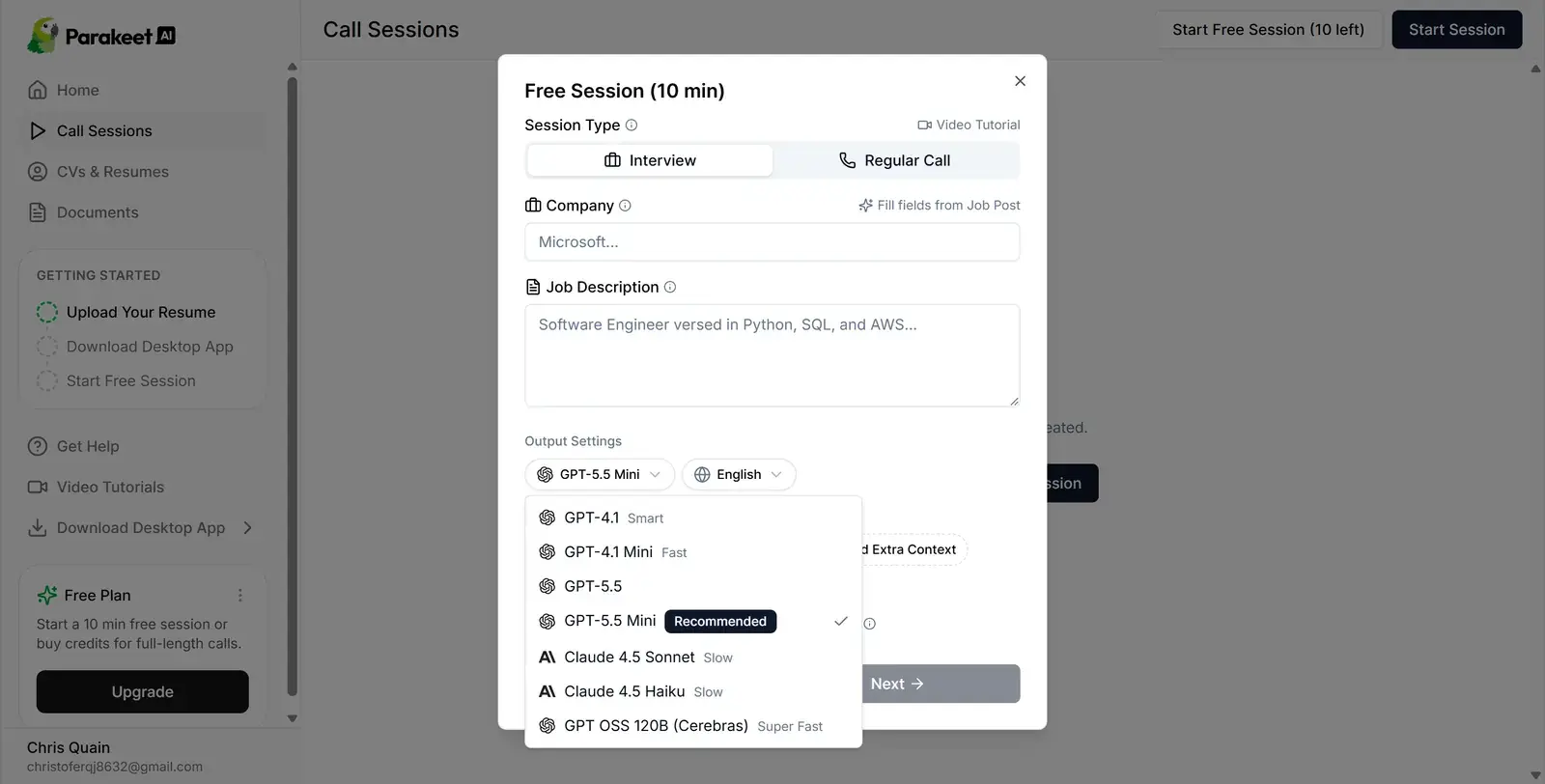
Setting up Solvro for a remote interview
Solvro is a desktop app for Windows and macOS. It sets the operating system's content-protection flag, which excludes its window from screen capture and recording, and it runs outside the browser, beside Zoom, Teams, Meet or Webex.
- Add your context. Resume, job description, extra context (strengths, a career change, a gap) and custom instructions such as "one-line answer, then three short bullets".
- Place the window. Move it just under your camera with the arrow shortcuts, so reading it keeps your eyes near the lens.
- Fade it. Use CtrlShift[ and CtrlShift] to set the lowest opacity you can still read.
- Learn the hide key. CtrlSpace hides it instantly.
- Start Interview mode with CtrlShiftA before you join.
- Rehearse once. Practise with a friend on the same platform, share your whole screen, and ask what they see.
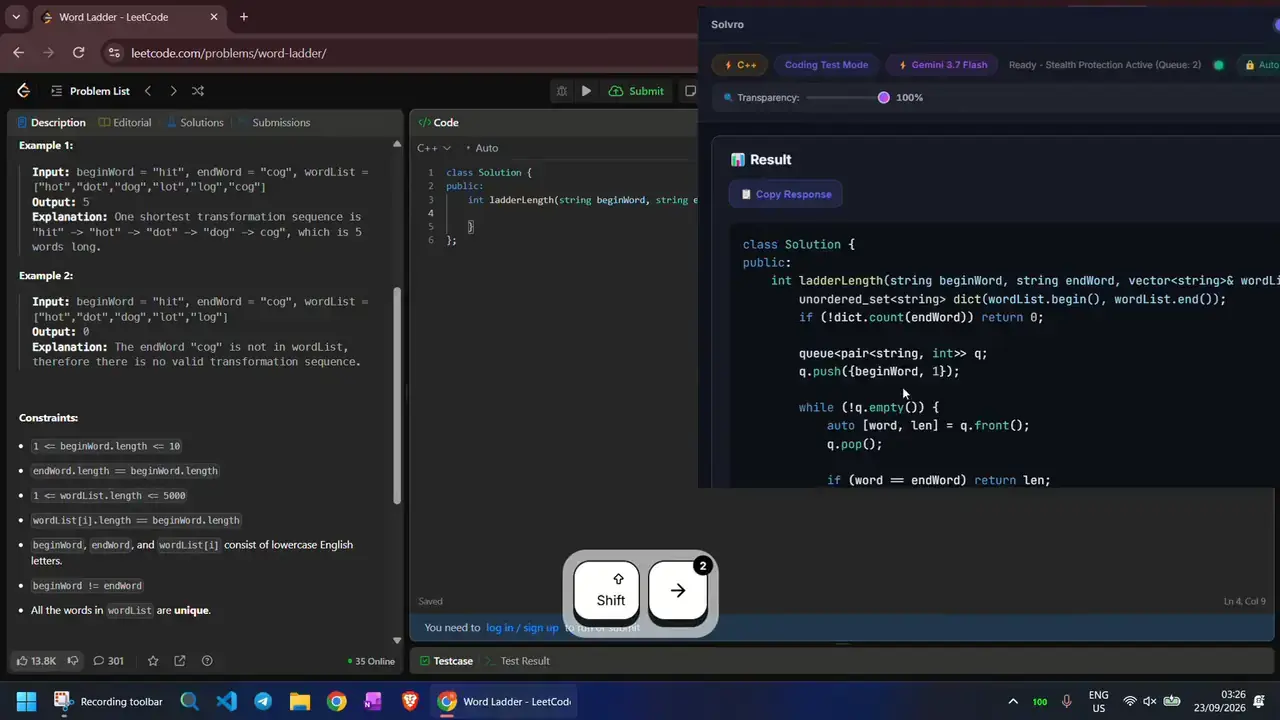
During the interview
- Conversation: Interview mode transcribes the call and answers each question as it is asked. Read the first line, start talking, and use the bullets as memory joggers.
- Follow-ups: the conversation keeps context, so "can you say more about that project?" builds on the last answer.
- Live coding: if you are asked to solve a problem, capture it with CtrlShiftS, send with CtrlEnter, and talk through the approach before you type. Auto-typing can type the code with human timing.
- Something on screen: capture it and ask in Query mode.
Habits that matter more than any tool
- Keep answers in your own words. Read a point, then say it the way you would.
- Pause briefly before answering; it reads as thoughtful on camera.
- Check your lighting and audio; the assistant hears the interviewer through your system audio, so use headphones to keep the transcript clean.
- Keep a glass of water nearby. It buys a natural second when you need one.
Check the rules first
Most employers and assessment platforms prohibit outside help in their terms. Solvro keeps its window out of screen captures, but no tool can promise it will never be noticed, and breaking those rules can cost you an offer. Decide for yourself whether that risk is worth taking.
| Plan | Price | Billing | What you get |
|---|---|---|---|
| Pro | $29/mo | Billed monthly ($29). | Gemini models, every mode except Interview |
| Pro (quarterly) | $19/mo | $57 billed every 3 months. | Same as Pro monthly |
| Pro+ | $49/mo | Billed monthly. | All five models, all four modes including Interview |
| Pro+ (quarterly) | $39/mo | $117 billed every 3 months. | Same as Pro+ monthly |
| Eternal Pass | $29/mo | $348 billed yearly. | All Pro+ features for a full year |
| Sprint Pass | $24 once | 7-day access. | All Pro+ features for 7 days, no subscription |
| Free trial | $0 | No card required | 10 AI answers and 10 minutes of Interview mode |
Prices in USD; customers in India are charged the rupee equivalent. Full details on the pricing section.
Frequently asked questions
Yes. Solvro runs as its own desktop app beside any meeting app or browser, including Zoom, Microsoft Teams, Google Meet and Webex.
Solvro sets the operating system content-protection flag, which excludes its window from screen capture and recording. No tool can promise this holds against every proctoring product, so rehearse a screen share first.
Move the Solvro window just under your camera with the arrow shortcuts and fade it with Ctrl Shift [ and ]. Read a point, then speak to the lens.
Yes. The Sprint Pass is $24 for 7 days with every mode and model, and it does not renew.