Before you pick one, decide which problem you are solving. If you want to rehearse answers and hear feedback, a mock-interview tool is the right shape. If you want help while the real interview is happening, you need a tool that listens to the call or reads your screen and answers in seconds. Very few free tools do the second.
| Tool | Best for | Works during a live interview | Free tier |
|---|---|---|---|
| Solvro | Live interviews and coding tests | Yes | 10 answers and 10 Interview-mode minutes |
| Google Interview Warmup | Quick question practice | No | Free, discontinued April 2026 |
| Huru | Practice on your phone | No | Limited mock sessions |
| Pramp (Exponent) | Peer mock interviews | No | Daily practice allowance |
| Interviews.Chat | Copilot plus prep | Yes | 30 credits, no card |
| Interviewing.io | Anonymous technical mocks | No | Free AI warm-ups |
| Interviewsby.ai | Role-specific rehearsal | No | Basic rehearsals |
| ChatGPT (free) | Conversational practice | No | Free, with limits |
Solvro: a free trial of real-time help
Solvro is a desktop overlay for Windows and macOS that answers while the interview is happening. In Interview mode it transcribes the call's system audio and returns a structured answer within seconds, drawing on the resume and job description you added in Settings. In Coding Test mode you capture the problem with CtrlShiftS, send it with CtrlEnter, and get a working solution in the language you chose.
Every new account gets 10 free AI answers and 10 minutes of Interview mode, with no card required. That is enough to run a full practice session with a friend on Zoom or Google Meet, or to try two or three LeetCode problems end to end, and decide whether it fits before you pay.
- Good for: live video interviews, online assessments, multiple-choice tests and anything on screen you want explained.
- Limits: the free trial is a trial, not an ongoing free plan. Paid plans start at $29 a month, or $24 once for a 7-day pass.
- Platforms: it runs as its own window outside the browser, alongside Zoom, Microsoft Teams, Google Meet, Webex, HackerRank, LeetCode and CoderPad.
Google Interview Warmup
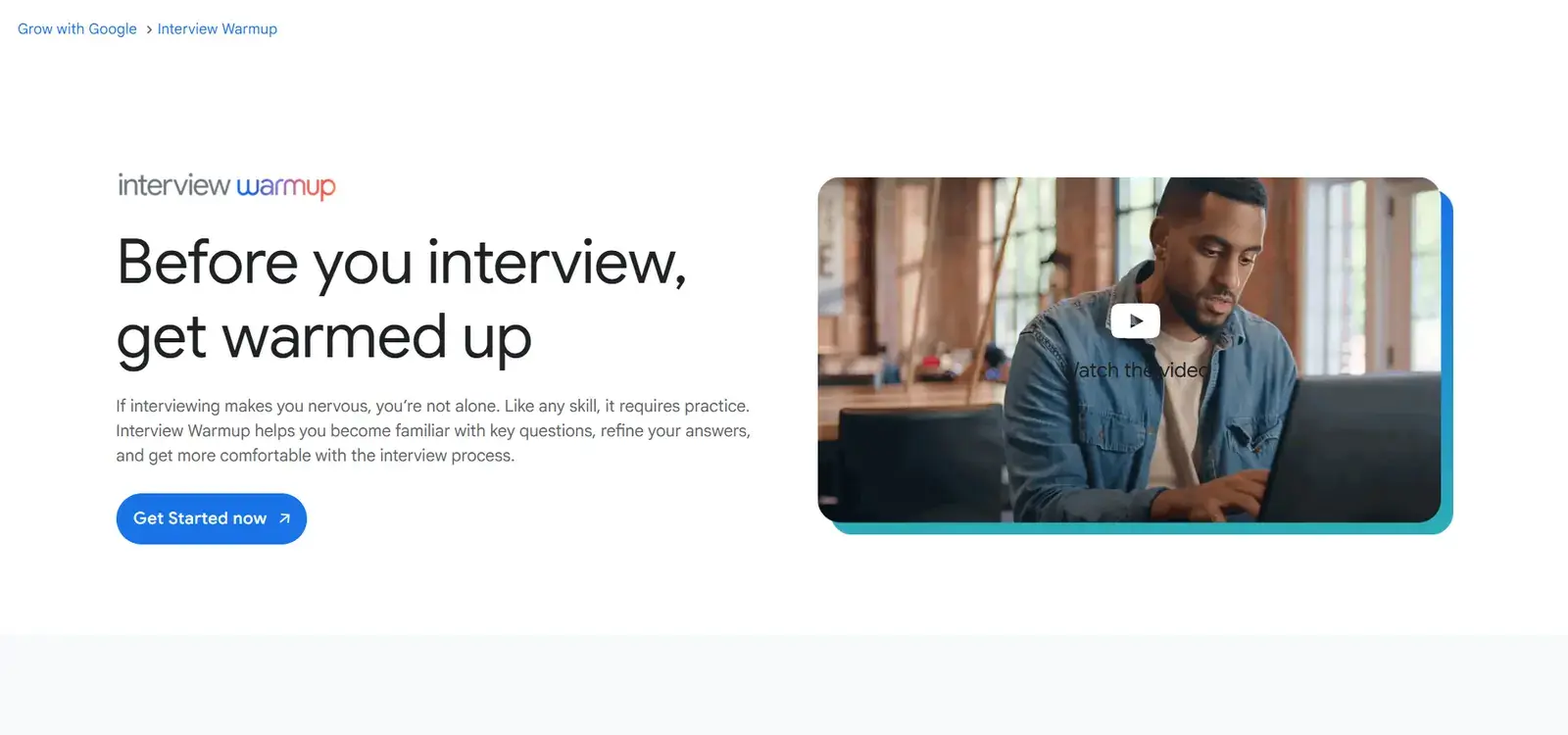
Google retired Interview Warmup in April 2026, so it no longer takes new practice sessions. It is still worth knowing what it did well, because several tools copy the format. It needed no account: you picked a field such as data analytics, IT support or UX design, answered questions out loud or by typing, and it transcribed your answer and pointed out patterns, like job-specific terms you used or phrases you repeated.
- Strengths: no sign-up, nothing stored, field-specific questions.
- Weaknesses: a fixed list of fields, fairly basic questions, and no help during a real interview.
Huru
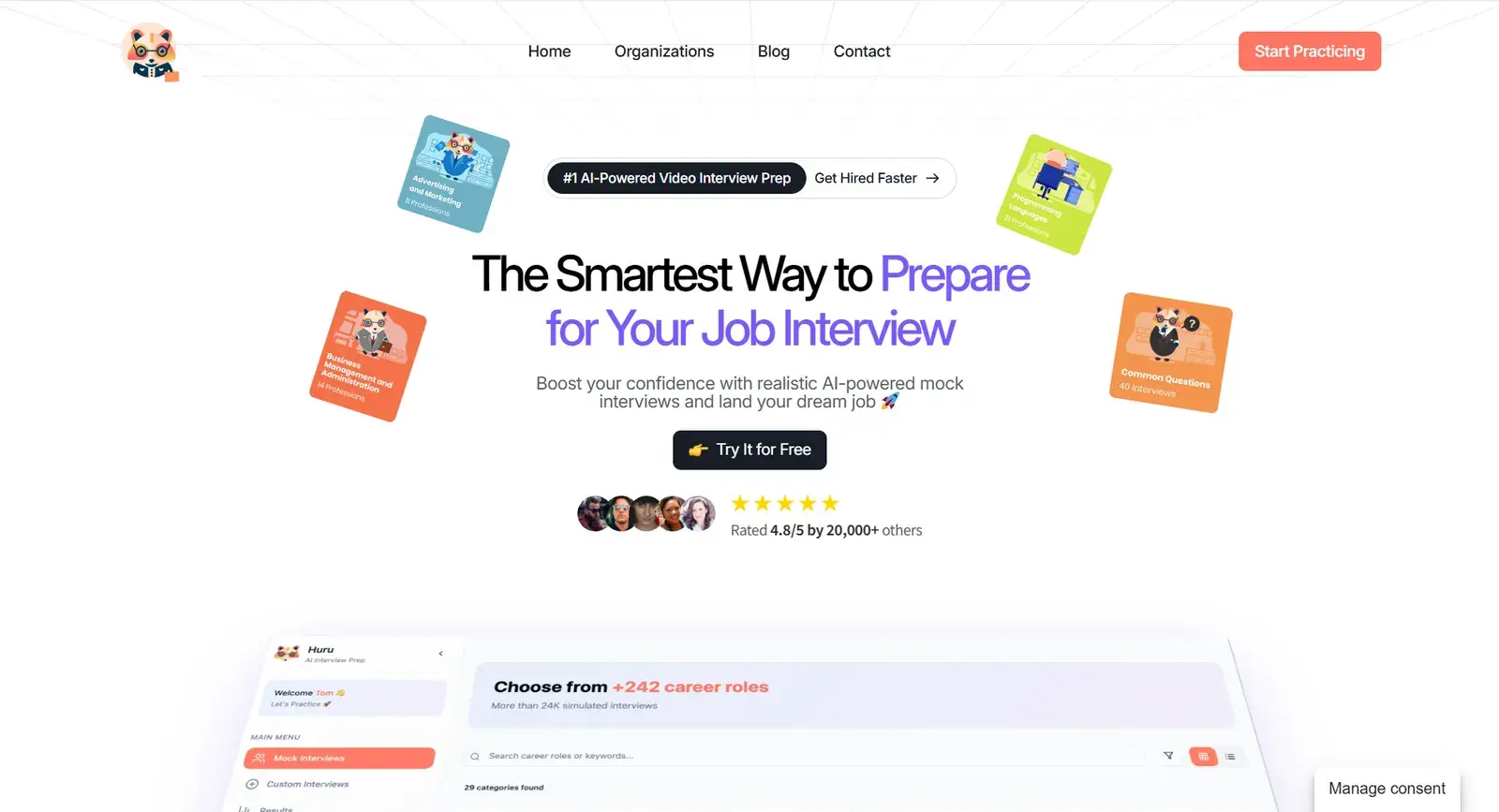
Huru is a mobile-first practice app. You record answers to mock questions on your phone and get feedback on content and delivery. Because it lives on your phone, it suits practising in short bursts, on a commute or between meetings.
- Strengths: a proper mobile app, feedback on strengths and weak spots.
- Weaknesses: the free version caps the number of sessions.
Pramp (now on Exponent)
Pramp built its name on free peer mock interviews: two candidates take turns interviewing each other on coding or system design problems. New sessions now run on Exponent Practice. It is one of the better free ways to practise explaining your reasoning out loud, which is the part of technical interviews that most people under-rehearse.
- Strengths: feels like a real interview, good for technical roles, free daily practice.
- Weaknesses: a daily cap on sessions, and the quality depends on your partner.
Interviews.Chat
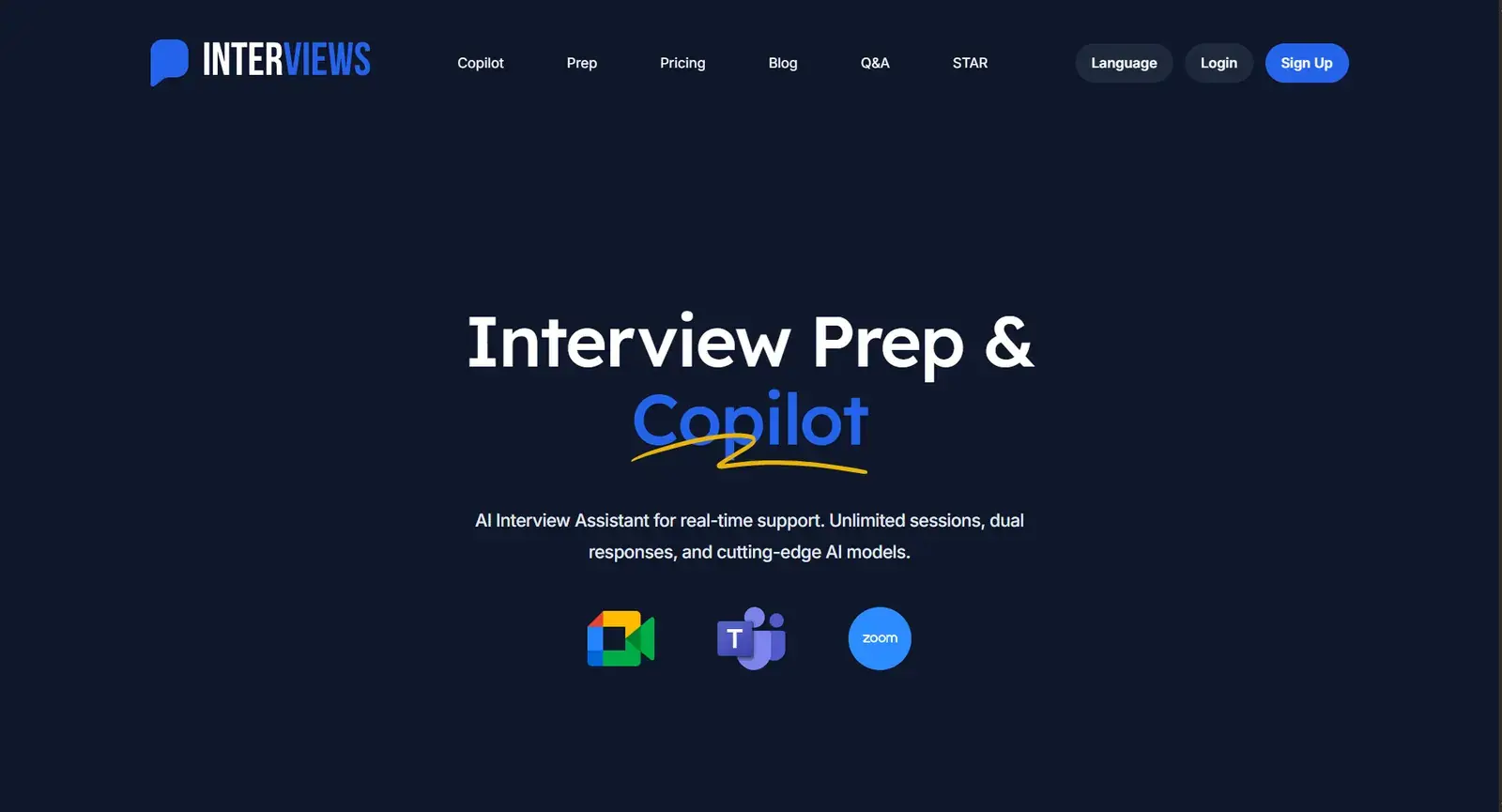
Interviews.Chat offers 30 free credits with no card, which you can spend on its interview copilot or its prep features. It covers coding and behavioural questions and includes resume and cover letter helpers. It is one of the few free options that also works in real time; the catch is that the credits run out quickly. See our Interviews.Chat comparison for how it stacks up against Solvro.
- Strengths: live copilot plus prep, several languages, resume helpers.
- Weaknesses: trial credits go fast.
Interviewing.io
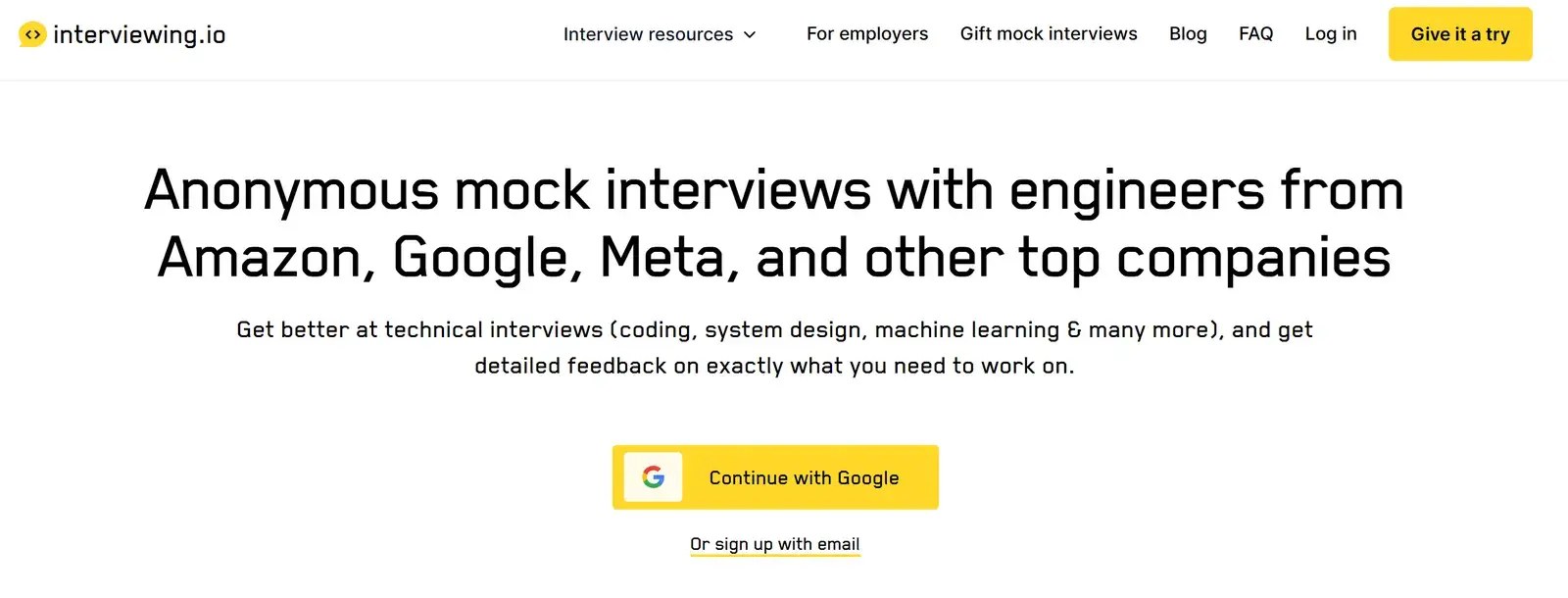
Interviewing.io is known for anonymous mock interviews with engineers from large tech companies. The free part is a set of AI warm-ups; the human mocks are paid or eligibility-based. Recordings and written feedback make it easy to see exactly where an answer went wrong.
- Strengths: anonymous practice, recordings and detailed feedback.
- Weaknesses: the best features are paid or limited by eligibility.
Interviewsby.ai
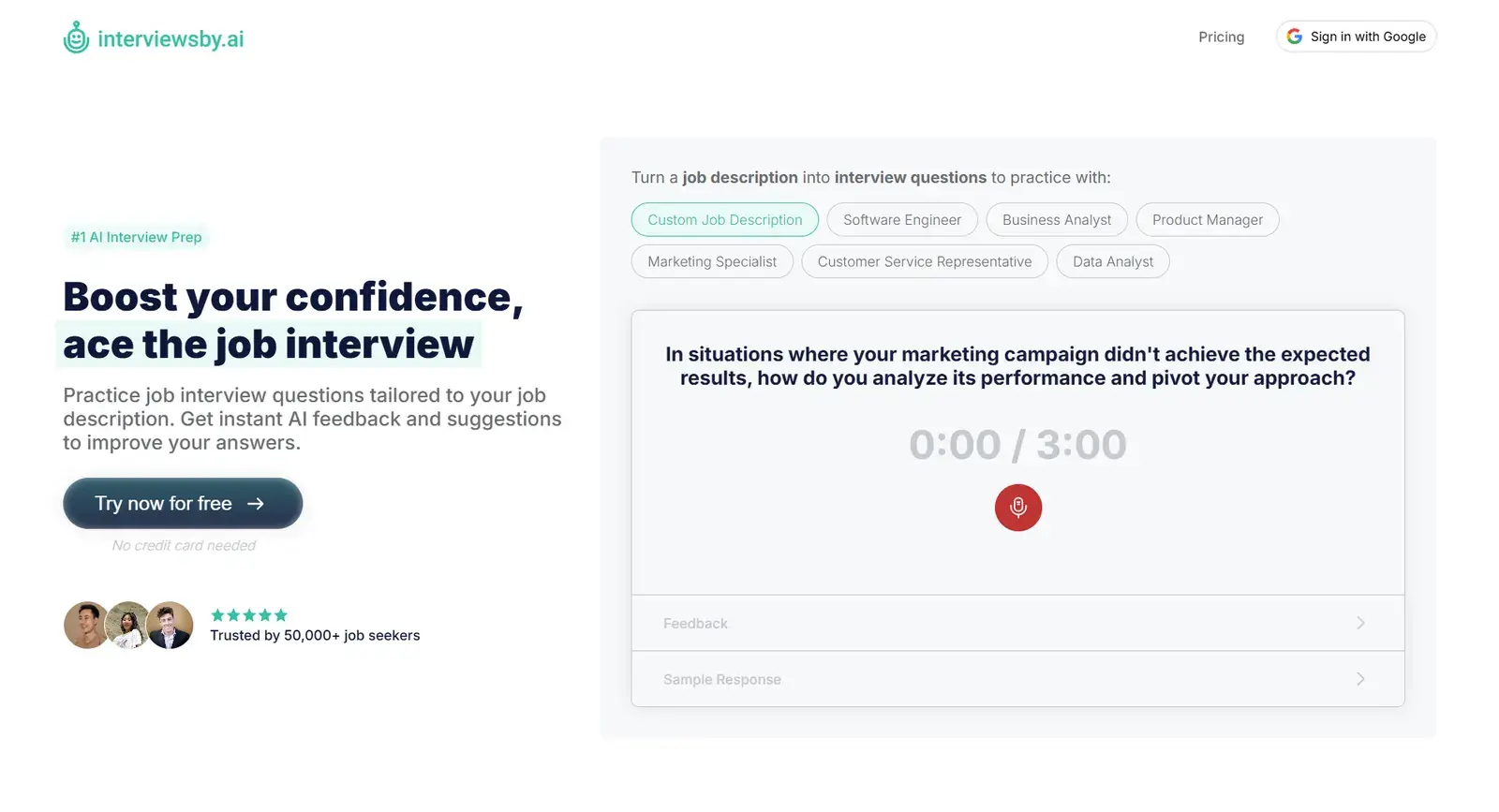
Interviewsby.ai turns a job description into a set of practice questions, times your answers and gives feedback. Basic rehearsals are free. It is useful for reducing nerves through repetition on the exact role you applied for.
- Strengths: questions built from the job description, realistic timing.
- Weaknesses: deeper analytics are paid.
ChatGPT's free tier
A general chatbot is a surprisingly good practice partner. Paste the job description, ask it to interview you one question at a time, and ask for feedback after each answer. Voice mode makes it feel closer to a real conversation. What it lacks is structure: it will not track your weak spots across sessions, and it cannot help during a live call or a proctored test.
Can a free AI interview assistant work in real time?
Some can, but most free tools are built for preparation. A real-time assistant has to do three things a practice app does not: capture the live audio or the problem on screen, answer within a few seconds, and stay out of the way of the call you are on.
When you test any tool, check:
- Input. Does it hear the interviewer (system audio), read the screen, or only take typed questions?
- Speed. Does an answer arrive before the silence becomes awkward?
- Context. Can it use your resume and the job description, so answers sound like your experience?
- Fit with the call. Does it run outside the browser, and does it stay out of the screen share? Solvro sets the operating system's content-protection flag, which excludes its window from screen capture and recording.
Check the rules first
Most employers and assessment platforms prohibit outside help in their terms. Solvro keeps its window out of screen captures, but no tool can promise it will never be noticed, and breaking those rules can cost you an offer. Decide for yourself whether that risk is worth taking.
Which free tool should you pick?
Use a practice tool such as Pramp or Interviewing.io to build the skill, and a free trial of a real-time assistant to see whether live help suits you. If you want to try live help, start Solvro free: ten answers and ten minutes of Interview mode are enough to find out. For a deeper look at paid options, read our guide to the best real-time AI interview assistants.
Frequently asked questions
Every new account gets 10 free AI answers and 10 minutes of Interview mode, with no card required. After that, paid plans start at $29 a month, or $24 once for a 7-day Sprint Pass.
Most free tools are for practice only. Solvro (through its free trial) and Interviews.Chat (through its free credits) can help during a live interview; Google Interview Warmup, Huru, Pramp, Interviewing.io and Interviewsby.ai are practice tools.
No. Google discontinued Interview Warmup in April 2026, so it no longer accepts new practice sessions.
ChatGPT is a good free practice partner: ask it to interview you on a job description and give feedback. It does not listen to a live call or read a coding test from your screen, so it is not a real-time assistant.